-
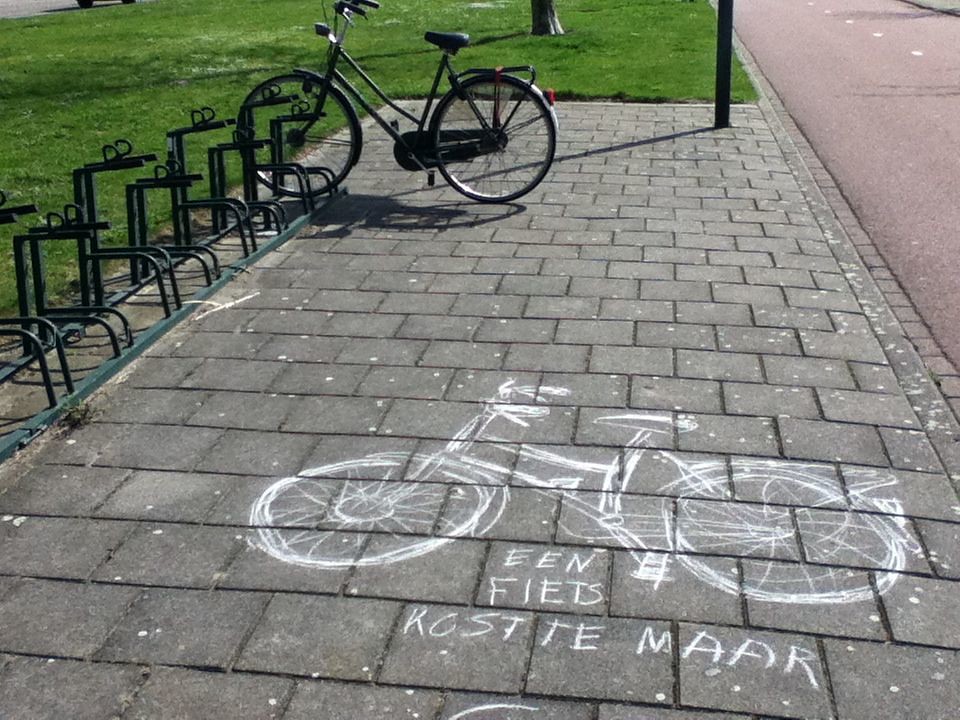
Thirteen years ago I drew from life with chalk. The art is no longer around, since chalk washes away with the next shower of rain.
-
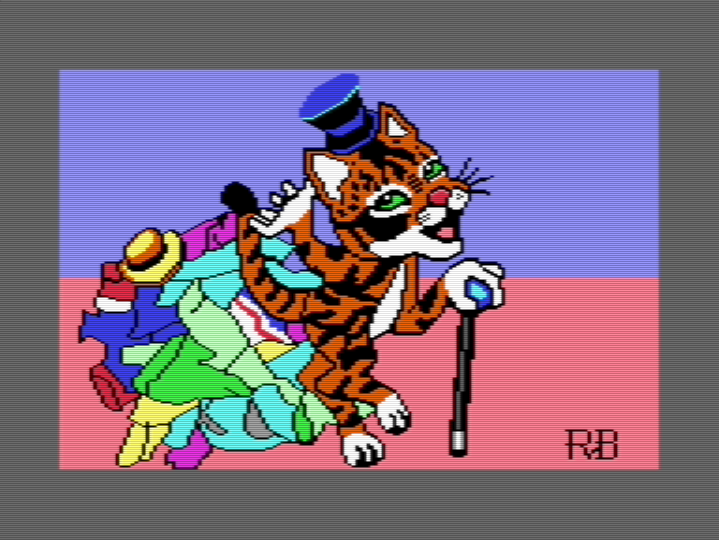
As Hanna-Barbera cartoons of the eighties have taught us, cats can without most clothes, except the most essential, like a hat or a cane.
🎨🐱👨💻🕹️👾
-
Sometimes limitation breeds creativity; usually frustration, though. The latter is often left out, rationalizing it as “part of the process.”
Drawn, but not copied 😇, from a photo. Six-color palette based on C64 colors. Drawn in ibisPaint X in roughly 5 hours, including a failed attempt.
🎨
-
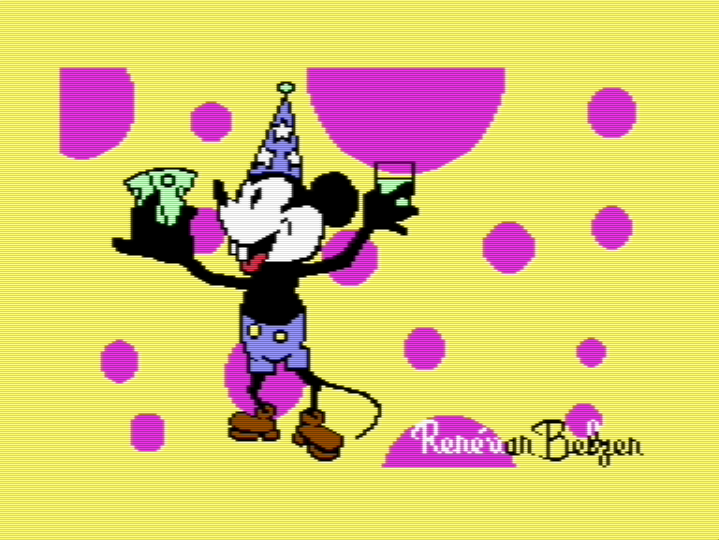
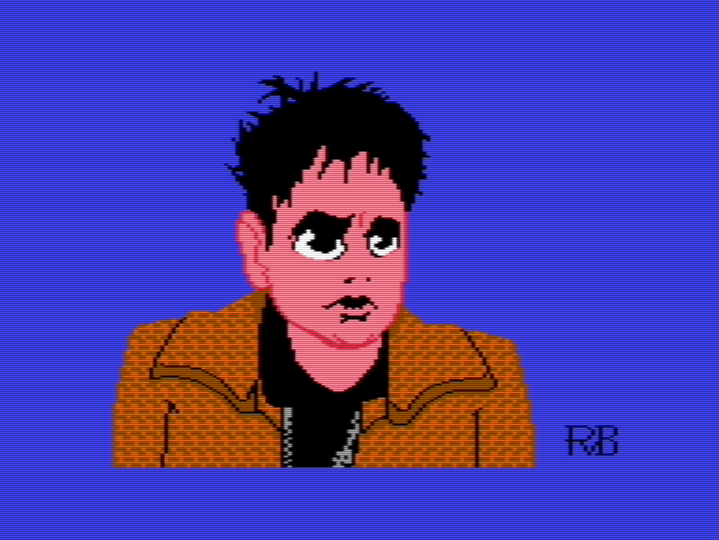
I find it always such a surprise how a pixel art drawing I made subtly (or sometimes radically) changes to conform to the rigors of the C64 multicolor bitmap.
Other than that, I used some of the edging techniques (sharp, lost and soft edges). So there’s that too. Happy 😊 camper here!
🎨👽👨💻🕹️👾
-
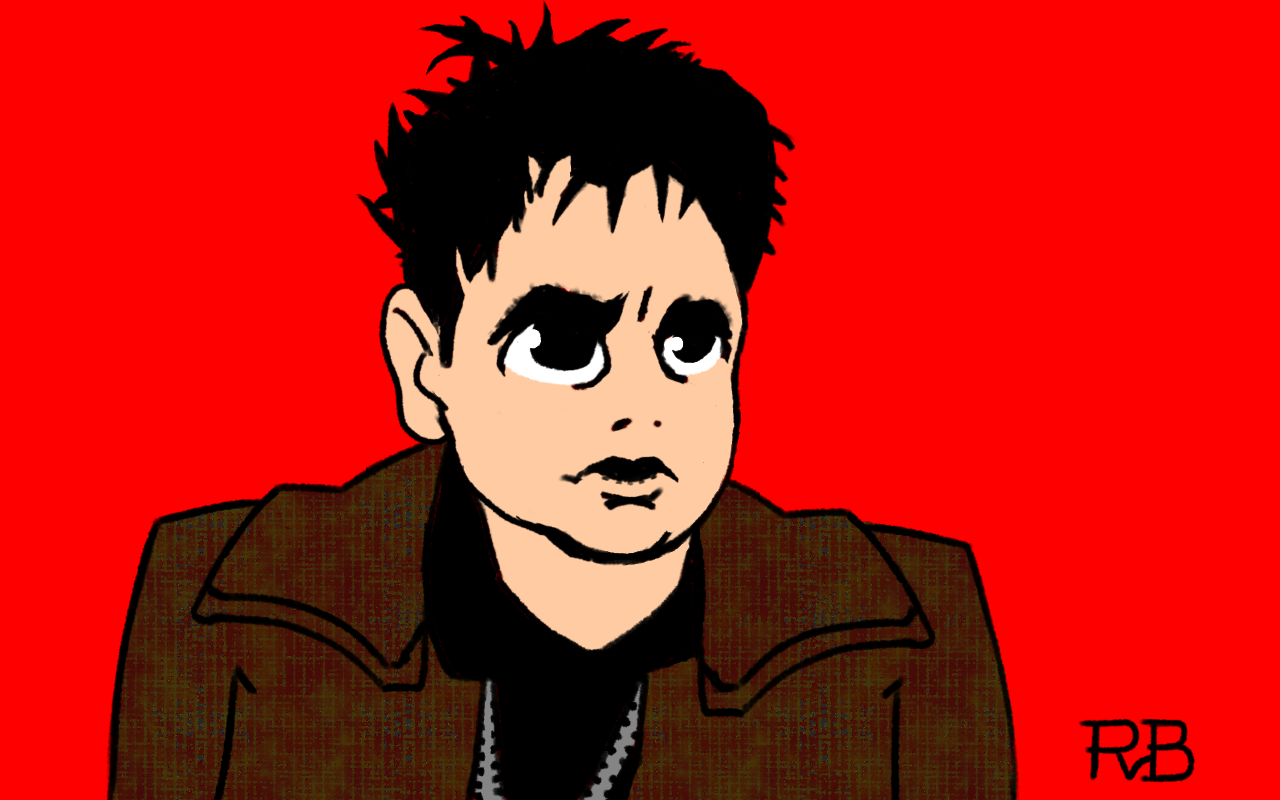
I was listening to a podcast about Blade Runner (1982), which inspired me to draw Rick Deckard, as played by Harrison Ford. Took me 1½ hours.
-
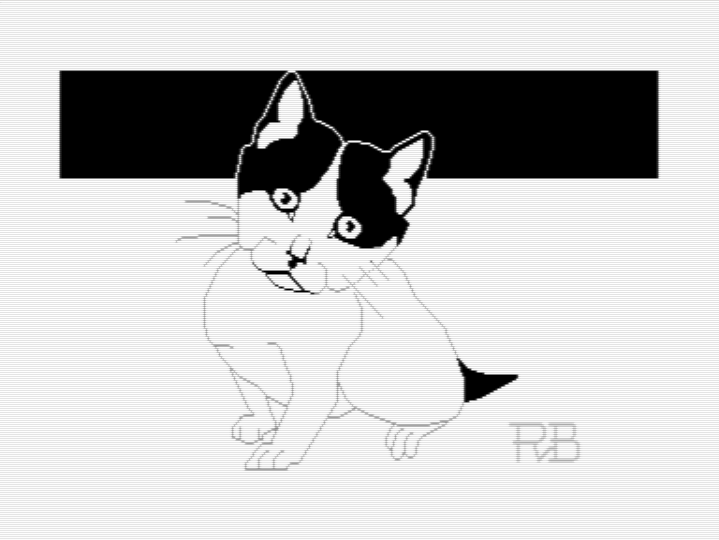
Searching on Flickr for Creative Commons photos of kittens I found this cute black and white one. I used it as reference for my C64 hi-res bitmap pixel art drawing.
Sometimes less color is better. Especially if the one depicted is staring into your soul.
🎨👨💻👾🕹️🐱😈
-
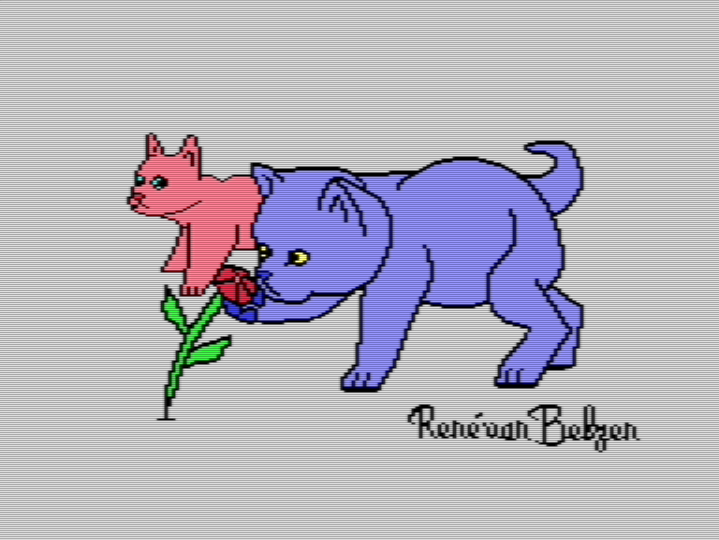
I didn’t get to experiment with edges. Still, I drew something I love, so that’s good.
Maybe advice from an oil painter doesn’t translate all that well to pixel art. Pixel art has more in common with decorative art (like embroidery) than with traditional art you can hang on a wall.
🎨🐱👨💻🕹️👾
-
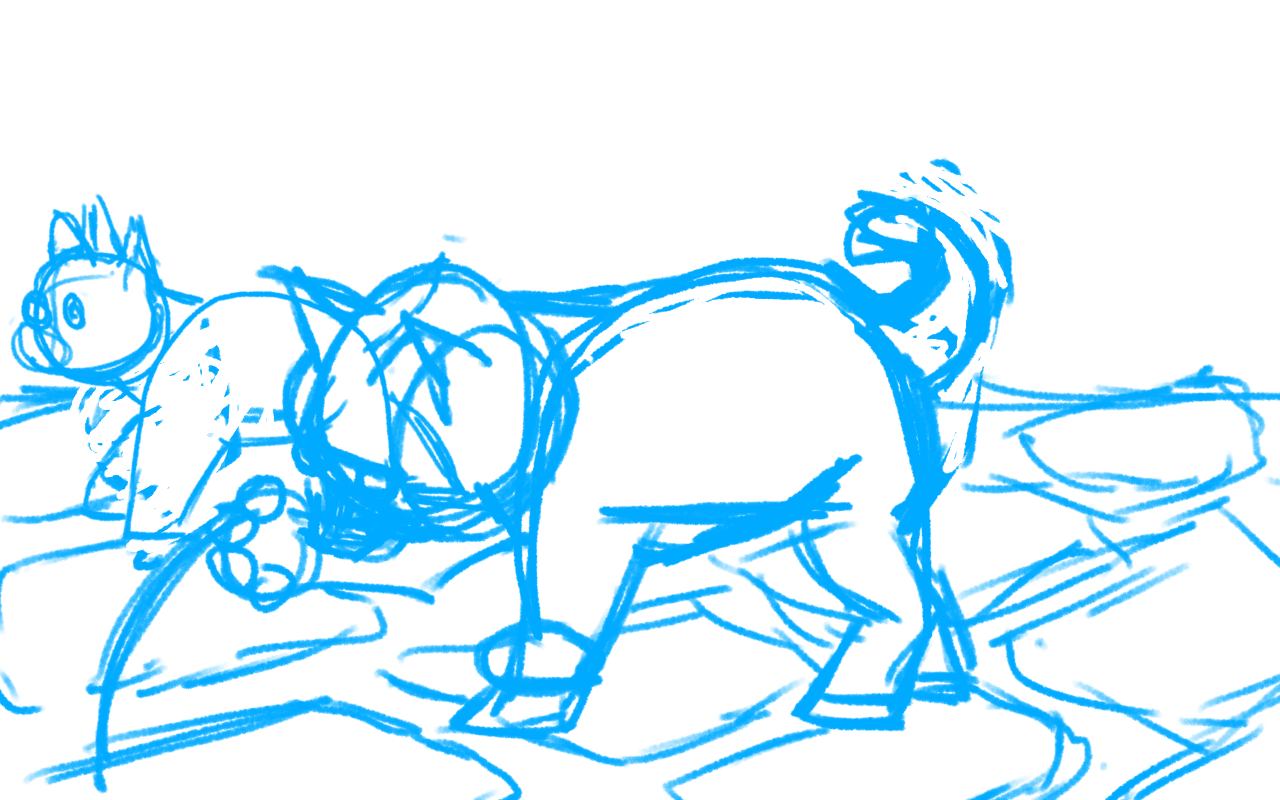
Sometimes (read: often) I get distracted by an interesting bit of art-making fundamentals, try to apply it, then get totally side-stepped by the intracies of drawing from a cute photo, forgetting what I wanted to try out in the first place. The creative process never seems to go in a straight line.
🎨
-
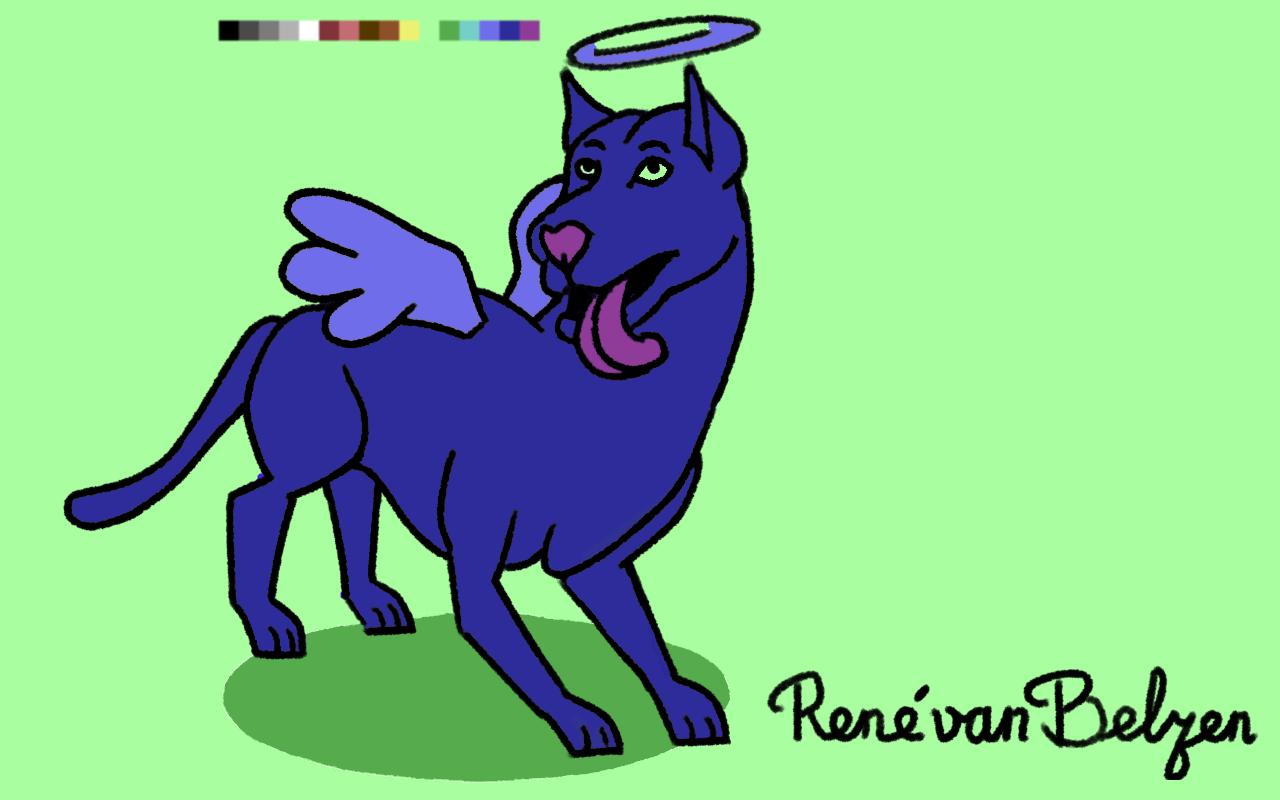
It is said all dogs go to the Good Place.
Drawn in ibisPaint X on 9th gen iPad with first gen Apple Pencil.
🐶🎨
-
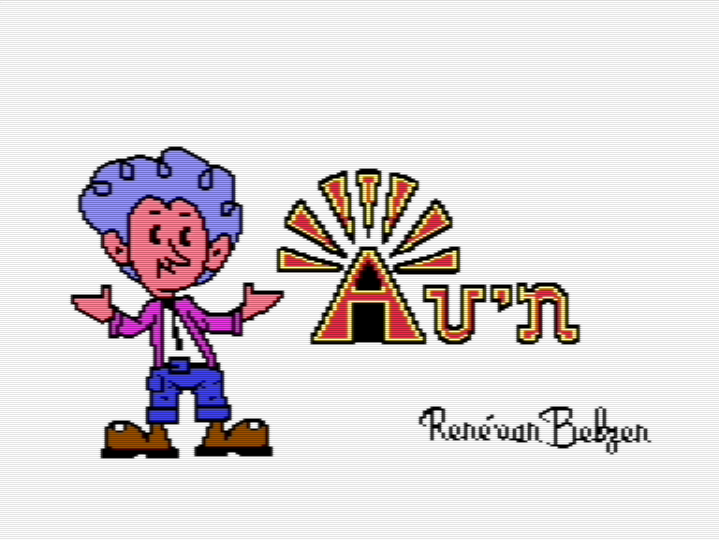
For this piece of pixel art I called upon my knowledge of the Period Table of Elements for illustrating the Pixel Dailies prompt for January 12, 2024, “Golden.”
-
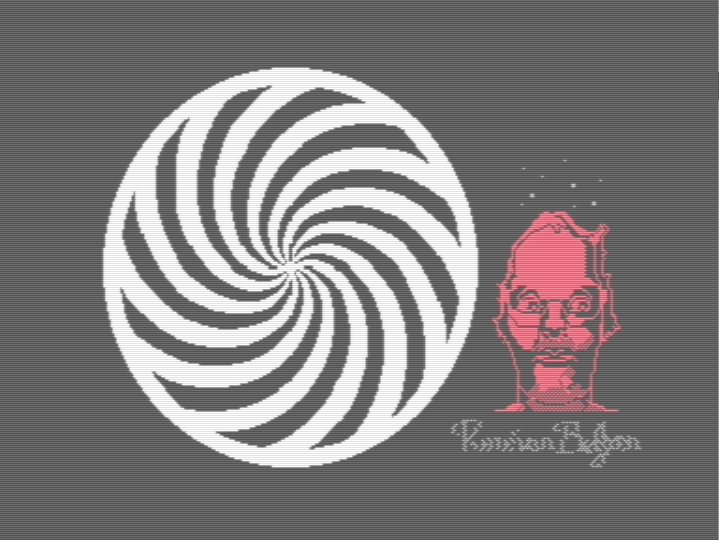
I suppose the lesson to be learned here is:
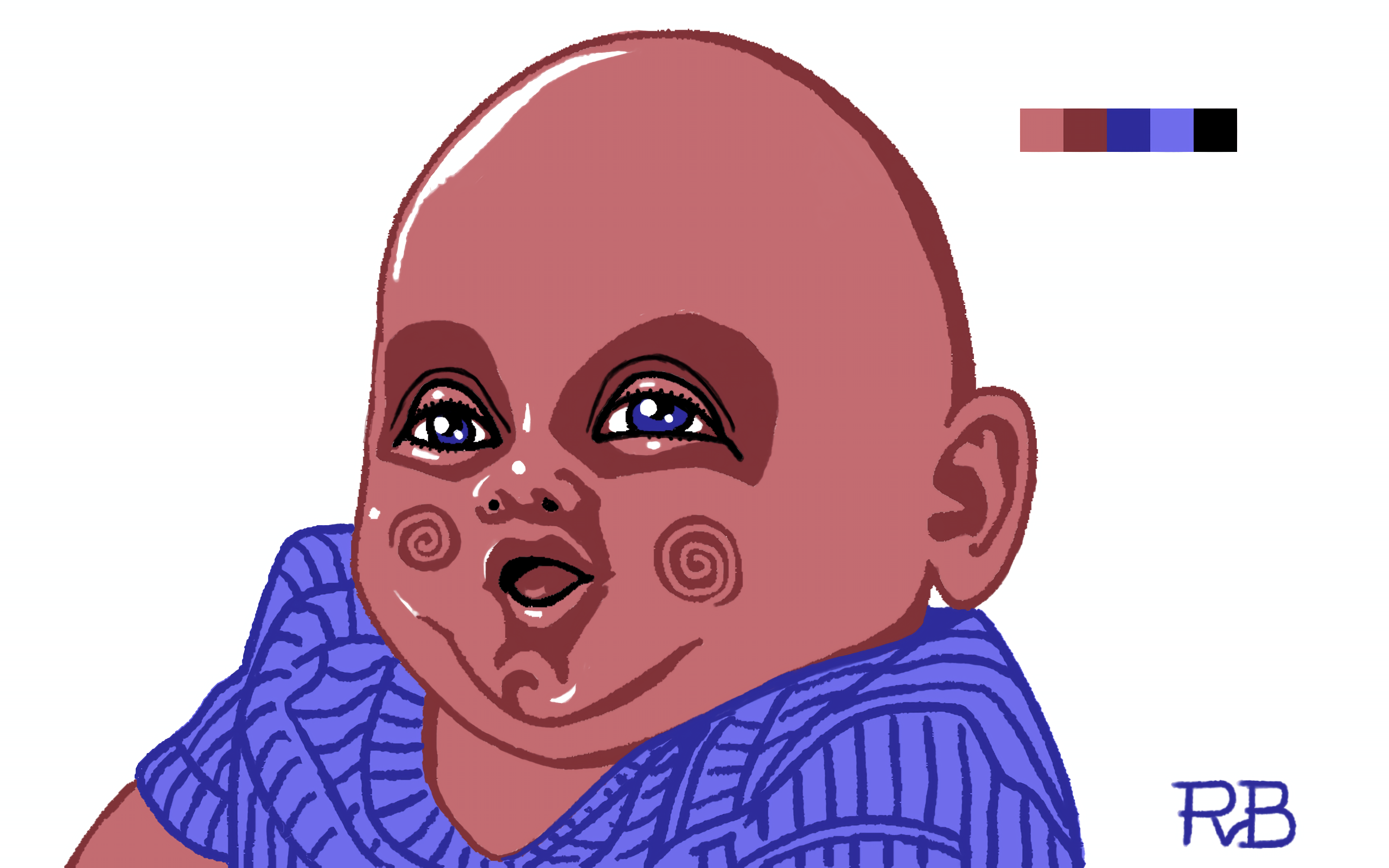
Don’t look into the spiral, or you’ll go cuckoo, bananas, Dada
A quick peek is no problem, though.
🎨👨💻🕹️👾
-
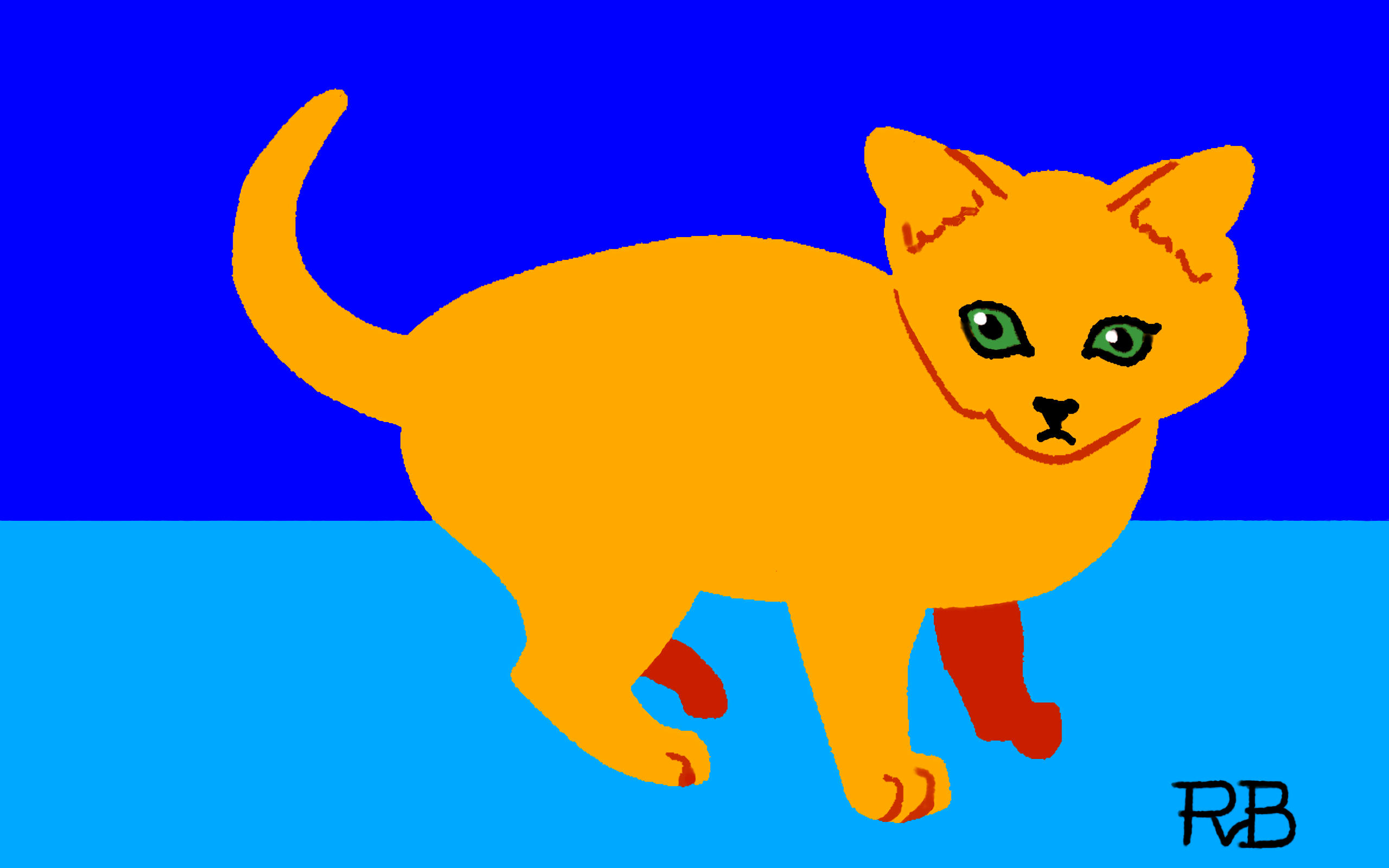
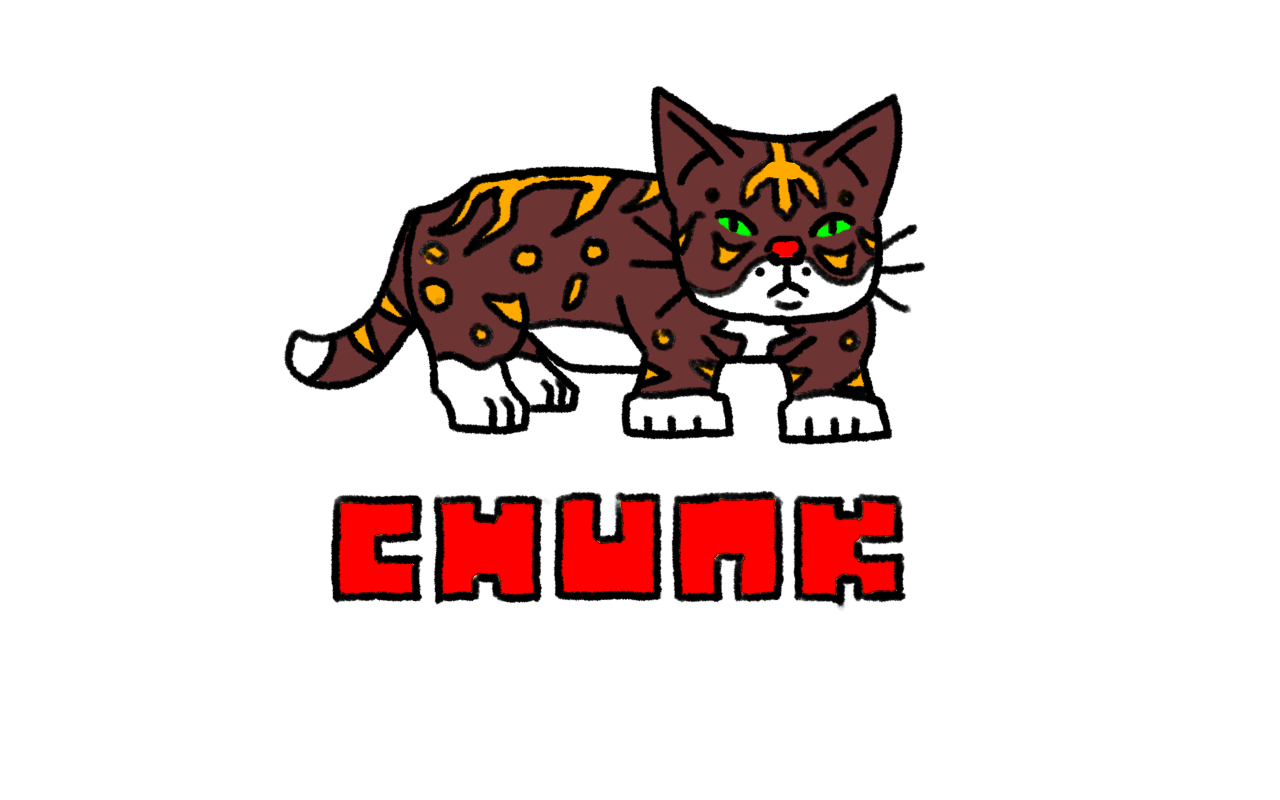
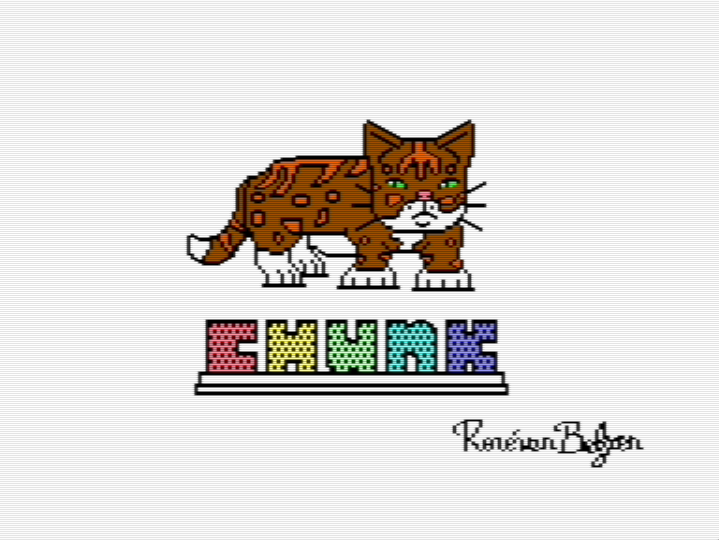
Another day, another cat drawing. This time our more blocky version of a feline fellow creature. Sketch in ibisPaint X and final drawing in Commodore 64 multicolor bitmap (160 x 200 resolution, 16 colors). If I could, I’d knit him a cozy sweater.
🐱🎨👨💻🕹️👾
-
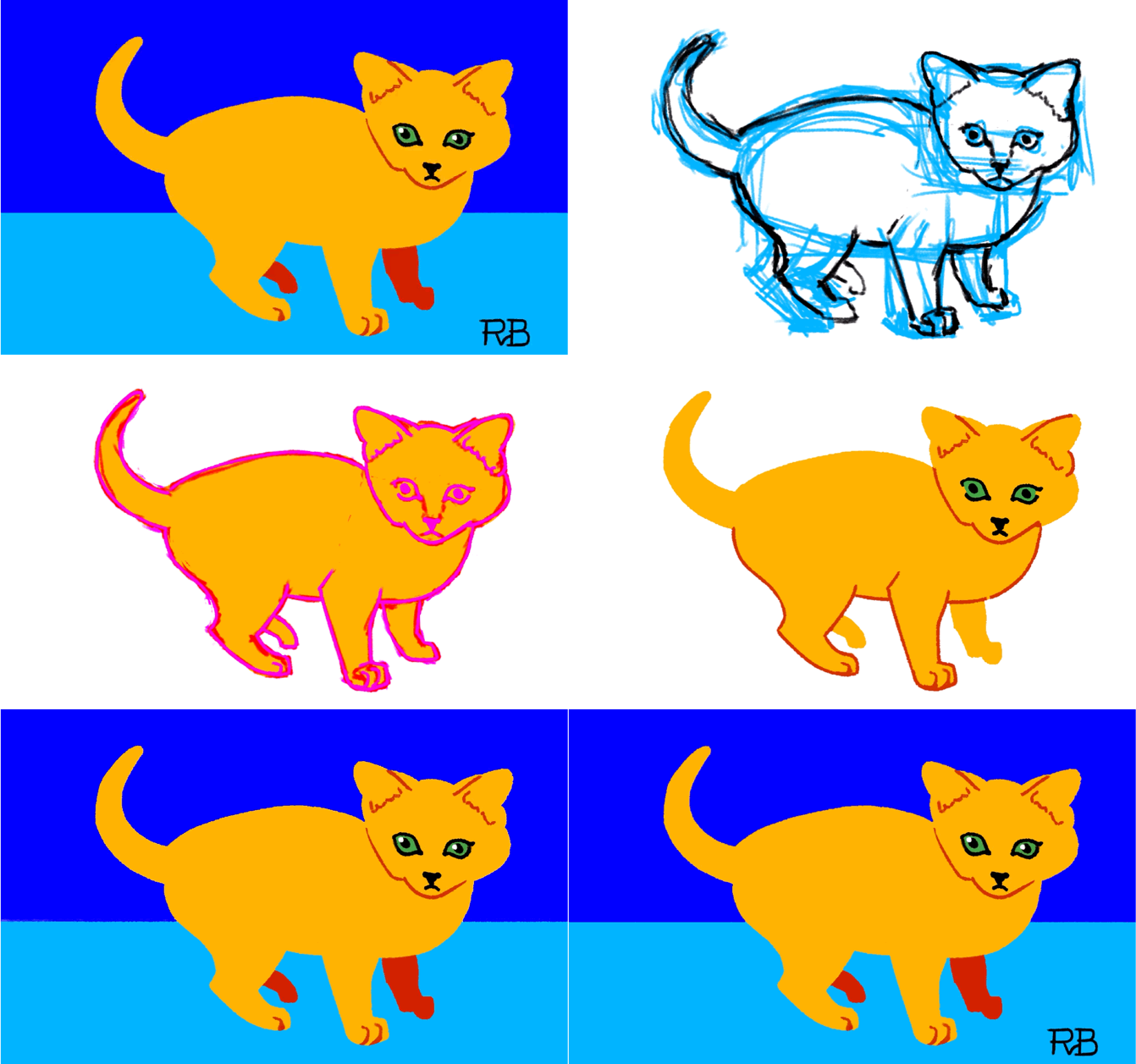
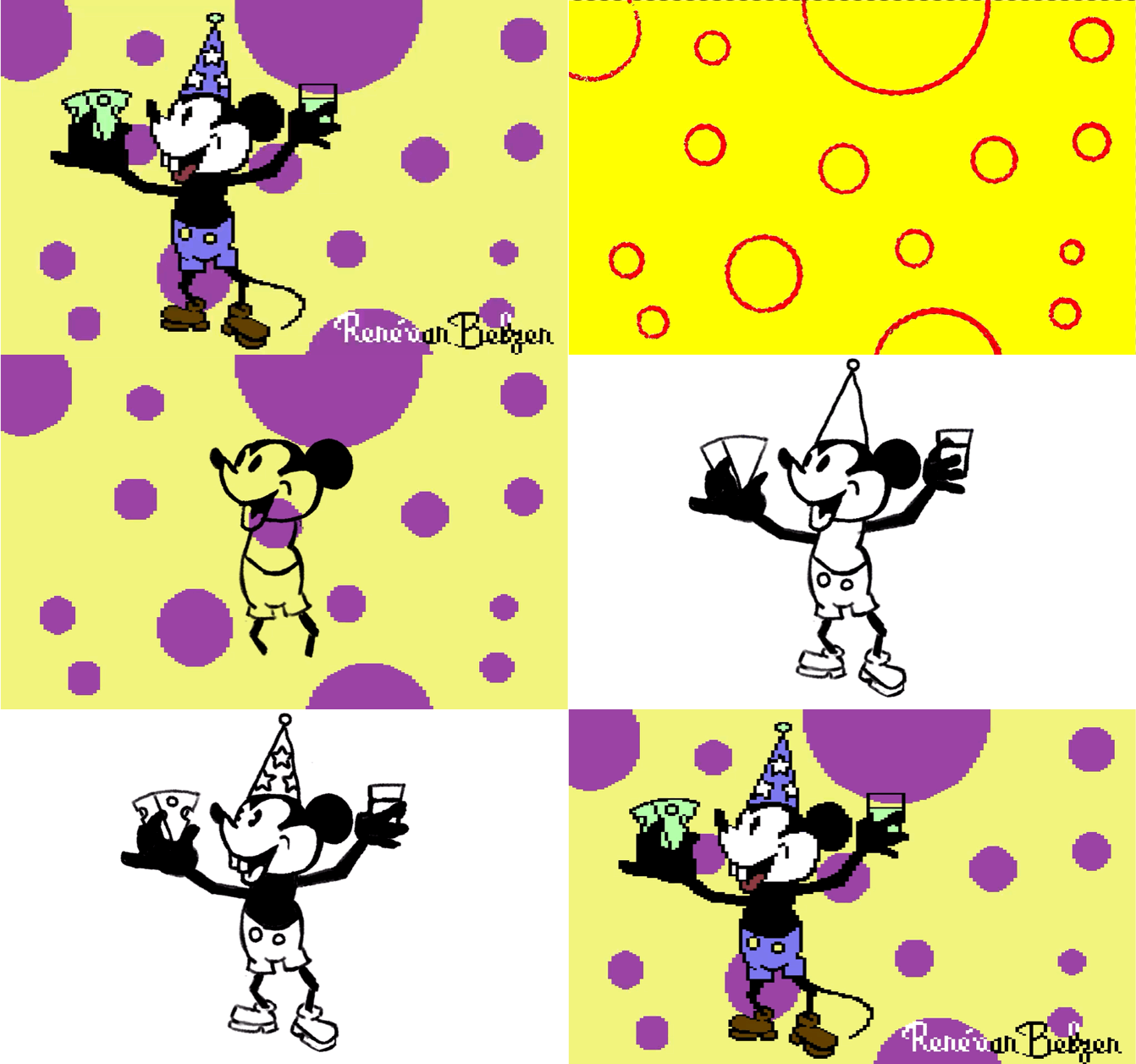
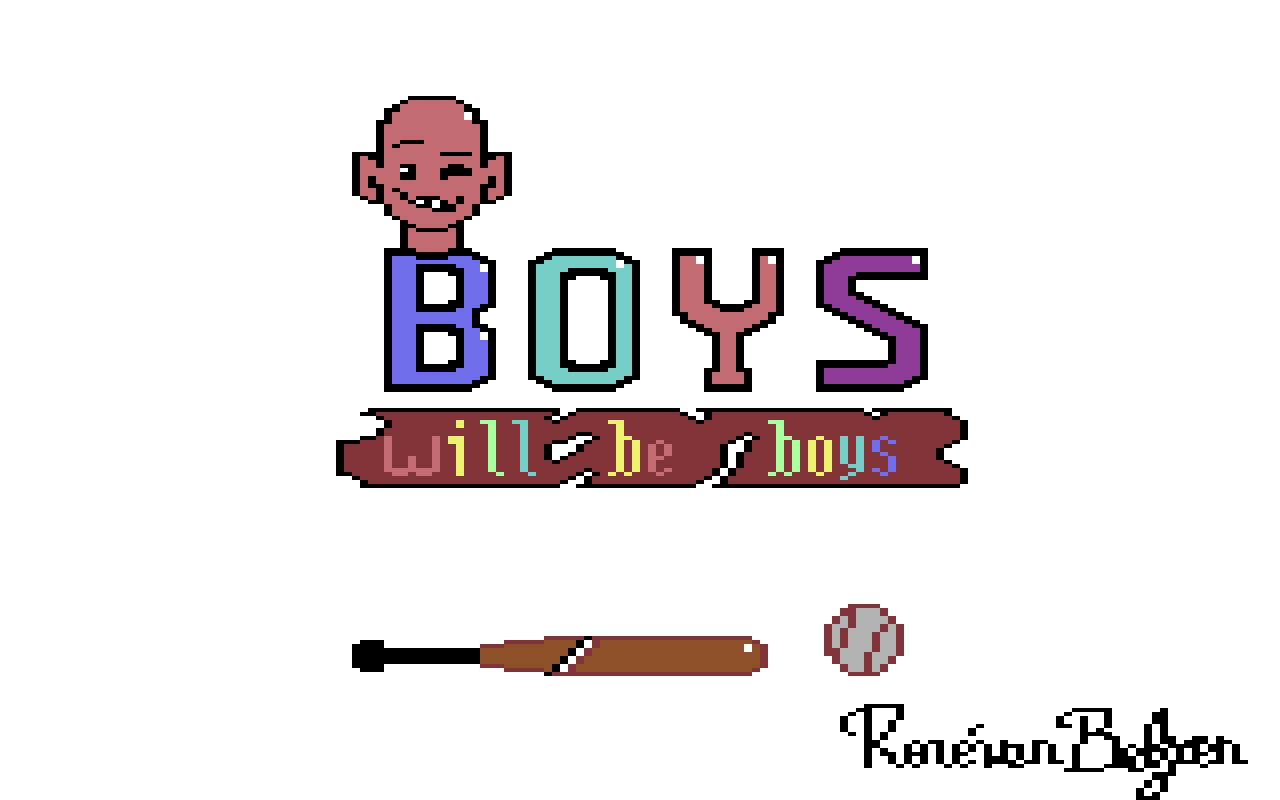
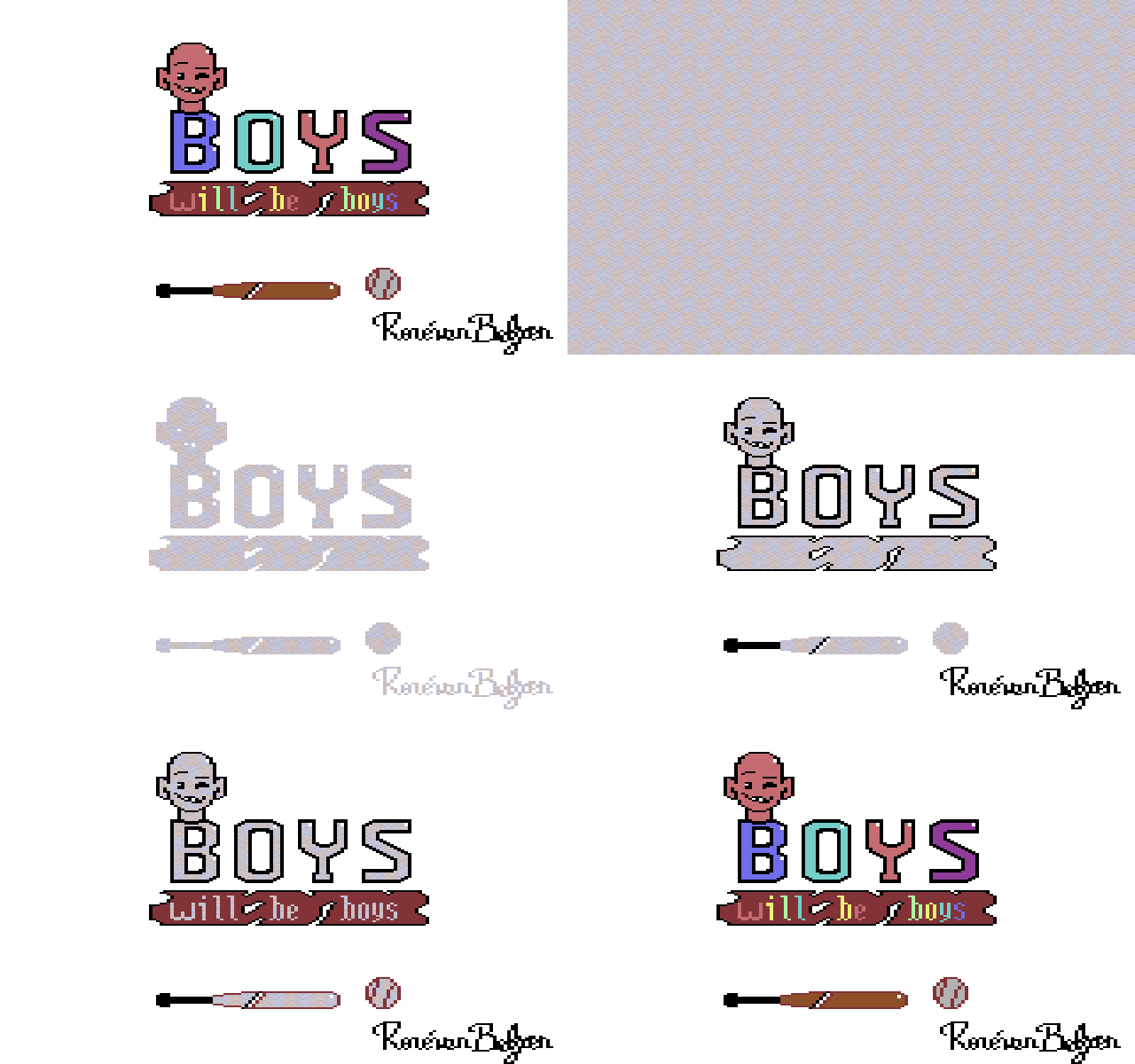
It’s always good to have a firm mental picture of one’s (artistic) process, as to not get bogged down by the details. I’ve updated the C64 multicolor illustration I did yesterday, and separated it into 4 “colors”:
- background color 0 (white)
- ditto 1 (black)
- ditto 2 (red)
- other colors
-
I had a few lock up with my iPad lately. Now it’s even in recovery mode, trying to restore from iCloud…
Update: I’m back on the iPad. Pfew!
-
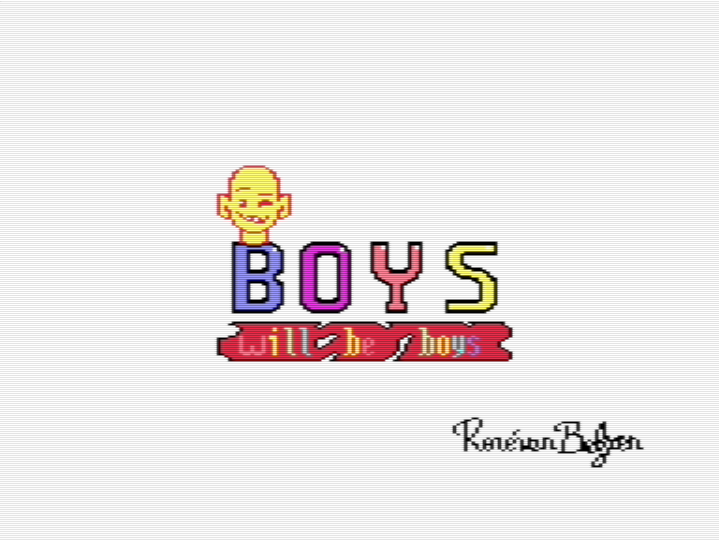
I think I’m starting to grasp how to draw in C64 multicolor. You get three colors that can be used anywhere, and per 8 by 8 pixels block you get to pick another color out of 16 possible colors. Careful placement of the pixels is key. If you do it right, you can have a very colorful image
🎨👨💻🕹️👾
-
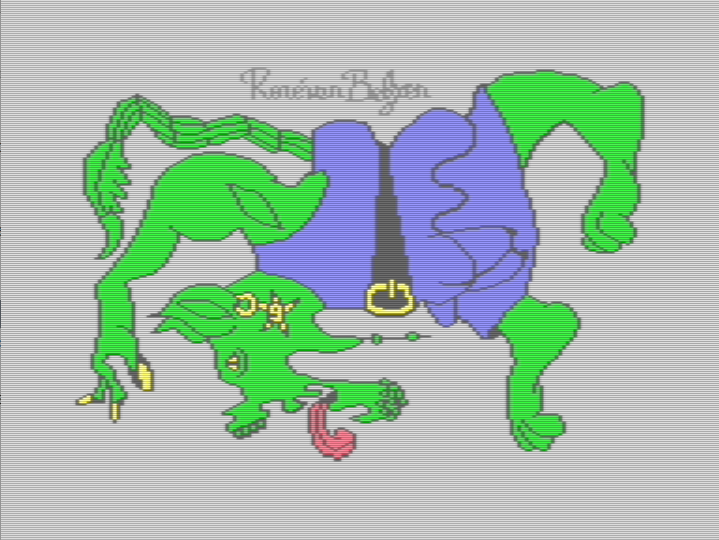
Just for kicks, I tried to color a random doodle I made. I had to redraw some of it to be able to work around the limitations of multicolor bitmap graphics on the Commodore 64. Other than that, and that it takes a lot of time, it went well.
-
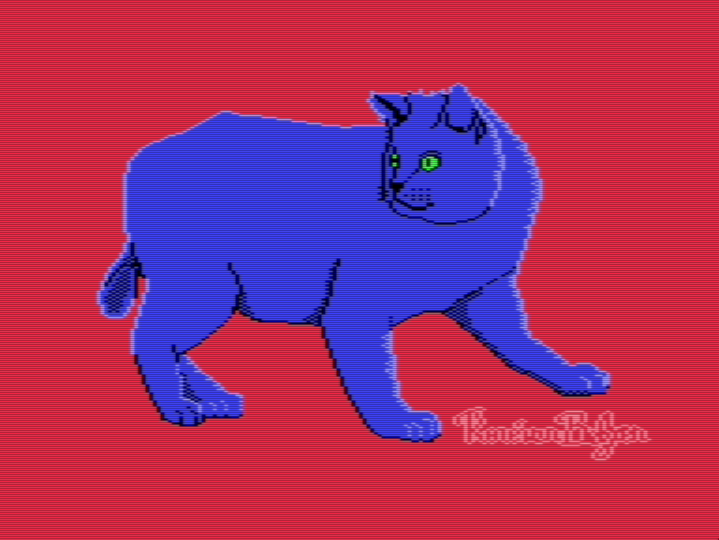
Another day, another cat drawing for the old Commodore 64
😻 🎨 👨💻 🕹️ 👾
-
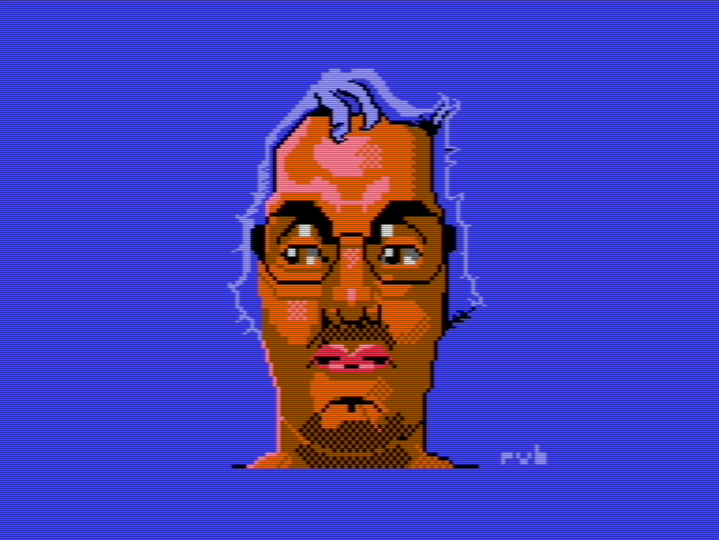
I reworked an older self-portrait that I made last year as a pixel art drawing, and turned it into an image on the Commodore 64. I like that the limited color palette doesn’t seem to limit me as much as it used to. It takes some effort (well, a lot of effort), but I think it was worth the time.
🎨 👨💻 🕹️ 👾