-
Here are some of the steps I took to create a multicolor pixel art drawing of a cat.
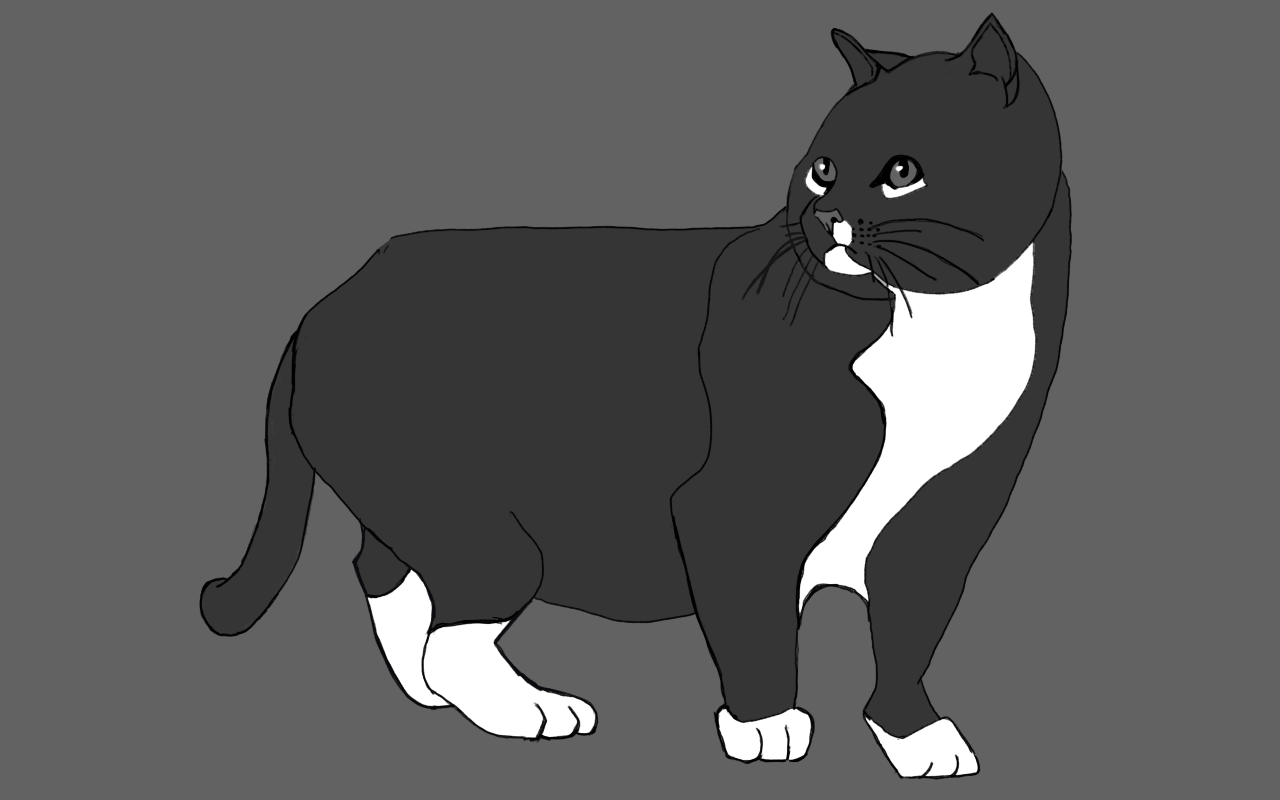
drawn in ibisPaint X in 4 colors
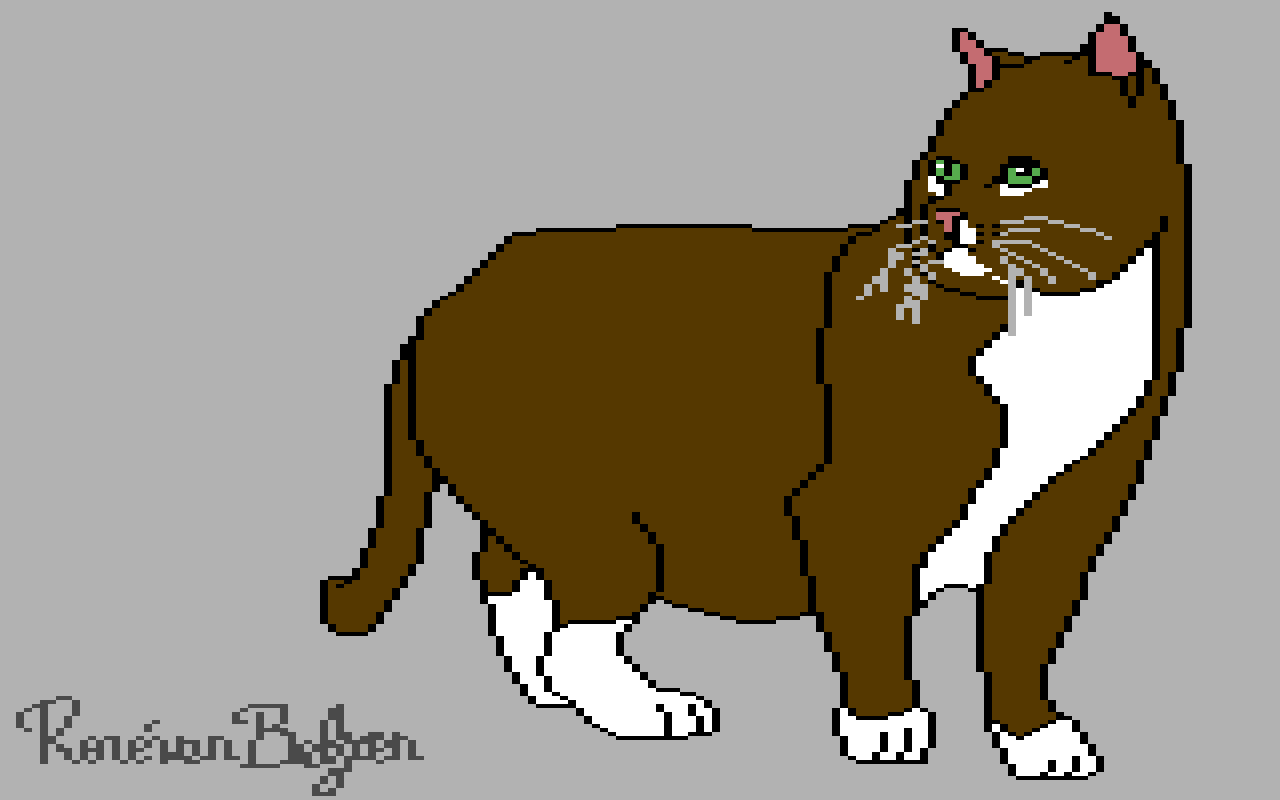
traced and redrawn in Pixaki
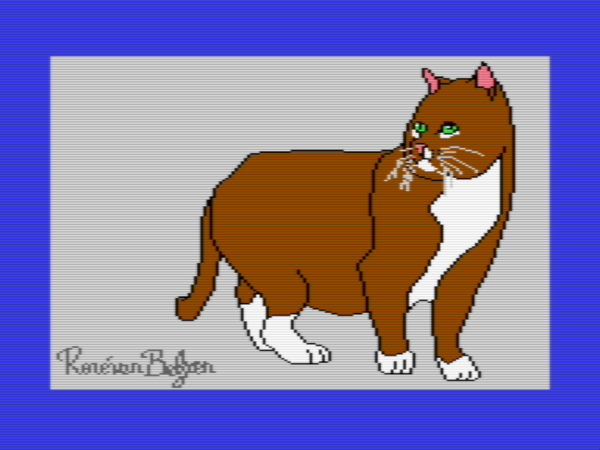
made into C64 runnable multicolor art with MultiPaint, loaded into VICE C64
It’s a process, taking many hours to complete. I think I’m improving.
👨💻🎨
-
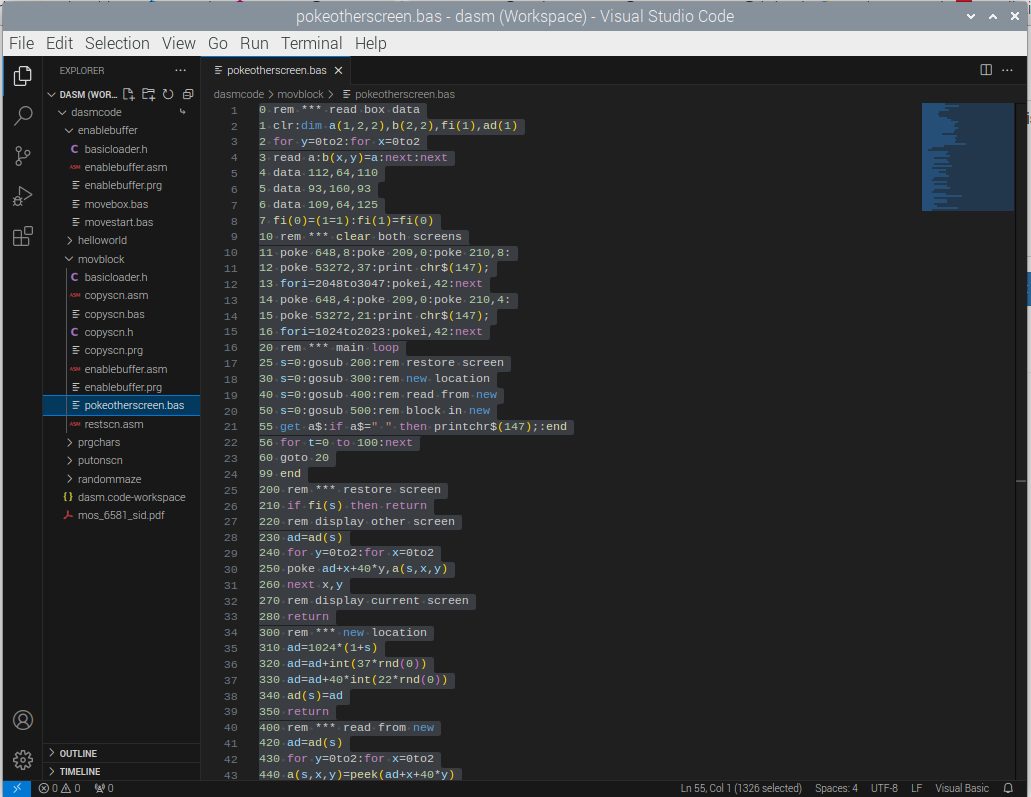
Making room for two text screens, so I can use them for buffering is great, but running it from C64 Basic is one ugly hack, and slow too. But I’ve done it, which is great, since I learned a lot from it, and that was the whole point here. The code I keep, in case I need (some of) it 👨💻
-
Flipped 📷

-
I fired up my art app and sculpted on a canvas the size of a retro-computer’s text character (8 pixel wide and 8 pixels high). I had to struggle, because the app wanted it to look nicer than it really was.
I suppose you can already guess what it represents. You can do a lot in 64 bits of data 👨💻🎨


-
Okay, I have a Basic loader with M/L code that enables a screen buffer and has a handy relocatable M/L routine at
$C000that copies 1024 bytes. Bits 4 - 7 of$D018control which part of memory is used to display the screen. Now I have all I need for moving a block of characters in C64 Basic, right? 👨💻 -
Make room for a screen buffer in C64 Basic
In my previous post in which I moved a box across the screen with a Basic program, I wanted to use a screen buffer. The default screen location starts in memory at
$0400(1024 decimal), and we can move the screen in units of 1024 bytes. The next location would be$0800(2048 decimal), which is where Basic text lives. Luckily we can move the start of Basic up with apokeat location 44, but we also have to move the bytes of the Basic text to the new location, or you’d get a jibberish Basic text. The most obvious location is$0c01(3097 decimal), and it makes sense to do this outside of Basic, with the raw power of the 6510 CPU.The machine language (M/L) program
enablebufferdoes just that. Here’s the source code listing. It has some Basic code to run the M/L code and relocate the start of Basic text. The M/L code is a bit more complicated than it needed to be, but I like some headroom in case I want to include more Basic text in front of the M/L code or put some M/L code in a convenient location, so we cansysorusr()to it. The code should be able to copy Basic text in front of the M/L code, no matter how big it would grow.; enablebuffer.asm ; ; Move the start of basic from $0801 to $0c01 ; ; Now both 1024 - 2023 and 2048 - 3047 ; can be used as screen memory. ; This makes it possible to use a screen buffer ; in Basic. PROCESSOR 6502 ORG $0801 ; Basic text in front of ML code ; 10 SYSXXXX:POKE44,12:CLR BASIC1: HEX 14 08 0a 00 9e .dc sys_address ; replaces the "XXXX" BASIC2: HEX 3a 97 34 34 2c 31 32 3a 9c 00 00 00 sys_address: eqm (start_ML)d ; start of ML code start_ML: vect1: eqm $02 vect2: eqm $04 BASstart: eqm $2B LDA BASstart+1 CMP #$08 ; is start of basic at $0801 ? BNE exit ; no, then exit ; set up copy process ; copy $0801 to $0C01 until the end of file ; copy start at the end towards the beginning CLC LDA #exit STA vect1+1 ADC #$04 ; move 1024 positions higher in memory STA vect2+1 LDY #$00 loop1: LDA vect1+1 ; copy in blocks of 256 bytes CMP #$08 ; less than 256 bytes to copy? BEQ loop2 ; yes, then loop2 instead loop1a: LDA (vect1),Y ; fast copy 256 bytes STA (vect2),Y DEY BNE loop1a DEC vect1 ; next 256 byte DEC vect2 BNE loop1 DEC vect1+1 DEC vect2+1 BNE loop1 loop2: LDA (vect1),Y ; copy remainder of bytes STA (vect2),Y ; between 1 and 255 DEC vect1 DEC vect2 BNE loop2b DEC vect1+1 DEC vect2+1 loop2b: LDA vect1+1 CMP #$07 BNE loop2 exit: RTS We can load the program as an ordinary Basic program and then run it.
After that we can
newthe Basic program and start writing a new Basic program, at location$0C01instead of the default$0801! Of course, the M/L code will be overwritten by that new Basic program, but that’s okay, since we no longer need it at that point. -
With all the blogging I do daily, I wanted to automate correct capitalization. I reworked an shortcut that no longer worked to a working state. Select text, share, pick one, paste.
- all lower case
- UPPER CASE
- Title Case in Case You Want It
- Capitalize A Okay
- Sentence. After each. Sentence.
-
Moving a box across the text screen in C64 Basic
I was wondering how to move a collection of characters (e.g. a box) across a Commodore 64 text screen. It’s rather easy to do this destructively. In Basic, I wrote something that horizontally moves a 3-by-3 character rectangle constructed out of PETSCII characters.
10 rem ***
11 rem *** setup
12 rem ***
20 restore:read w,h:for i=0 to w*h-1
30 read a(i):next i
40 data 3,3
50 data 112,64,110,93,32,93,109,64,125
60 te=200
100 rem ***
101 rem *** main loop
102 rem ***
110 os=0
120 for p=1024+12*40top+40-w
130 gosub 200:gosub 300:next p
140 os=w-1
150 for p=1024+13*40-w to p-39+w step-1
160 gosub 200:gosub 300:next p
170 goto 100
199 end
200 rem ***
201 rem *** draw a box
202 rem ***
210 for x=0 to w-1:for y=0 to h-1
220 poke p+y*40+x,a(y*w+x)
230 nexty:nextx:fort=0tote:nextt:return
300 rem ***
301 rem *** clear column
302 rem ***
310 for y=0toh-1:poke p+y*40+os,32:next
320 return
The program has to do some clean-up after it has drawn a box with the subroutine
draw a box. It fills the box’s trailing text column with space characters (screen code 32). For instance, if the box moves to the right and the box has been drawn in its current position, the left-most text column of that box has to be “cleared” (filled with spaces). Otherwise it will leave behind box characters when the next position of the box is drawn—one position to the right. Themain loopuses the variableos(offset) to determine which text column should be filled with spaces, using the same subroutineclear columnwhen moving the text box to the left or to the right.It’s all very limited in what this program can do. It can move the box either one character position to the right or the same to the left, nothing more.
For a more sophisticated
draw a boxsubroutine, it has to know where it was before:- restore the original content of the previous position (if any)
- read the current content where the box will appear and store it for later
- draw the box onto its position on the text screen
We can do this in Basic as well, even though it’s rather slow and has clear visual artifacts. Here’s the code for the same 3 by 3 text box, now jumping to arbitrary positions on the screen, while keeping the screen intact.
10 rem ***
11 rem *** setup
12 rem ***
20 restore:read w,h:for i=0 to w*h-1
30 read a(i):next i
40 data 3,3
50 data 112,64,110,93,32,93,109,64,125
60 te=200
70 first = (1 = 1)
100 rem ***
101 rem *** main loop
102 rem ***
110 x=int(rnd(ti)*(40-w))
120 y=int(rnd(ti)*(25-h))
130 gosub 200
140 goto 100
199 end
200 rem ***
201 rem *** draw a box
202 rem ***
210 rem *** restore any orig'l content
211 rem ***
220 if first then first=(1=0):goto 300
230 for xx =0 to w-1:for yy=0 to h-1
240 poke p+yy*40+xx,a1(yy*w+xx)
250 nextyy:nextxx
300 rem ***
301 rem *** read current text content
302 rem ***
310 p=1024+40*y+x
320 for xx=0 to w-1:for yy=0 to h-1
330 a1(xx+yy*w)=peek(p+xx+yy*40):
340 nextyy:nextxx
400 rem ***
401 rem *** put box on screen
402 rem ***
410 for xx=0 to w-1:for yy=0 to h-1
420 poke p+yy*40+xx,a(yy*w+xx)
440 nextyy:nextxx
450 for t=0 to te:next
460 return
The long wait loop (which makes the program perform so slow) is so that you can spot the random 3-by-3 box, while also making the artifacts less noticeable. You can see the box long enough, so it disappearing from screen will feel less jarring. A better solution than waiting a while would be to use a screen buffer to do the drawing and switch screen buffers when all the drawing is done for the new position of the box.
I guess that would require some machine language I have yet to write.
-
I wondered if a sprite rendered as a text character would make sense. It would have to move to one of the 1000 positions on a text screen of 25 lines and 40 columns in a C64. The character is 2 by 2 text characters, has 3 walking poses, and two extra text characters for the SFX. It could work 👨💻

-
I found this video game poster via an image search, which clearly isn’t from a C64 (size 640 x 400 pixels, different 16 colors than C64). I thought about recreating it in C64 multicolor for self-education. The first step in my analysis was recoloring it into the Colodore color palette, an idealized version of the C64 color palette(s). It seems to be drawn for the Amiga. It has 3 shades of red and of green; the C64 has only 2 of those. Plus, it has a flesh color, which the C64 sorely lacks.

I found an interview with the mentioned Peter Johnson on Codetapper’s Amiga Site. And it appears he rewrote the C64 version for the Amiga. No mention of who drew the poster. Peter did draw the game art, I assume. Alas, there’s no date stamp on the article, but judging from the copyright notice it’s probably from 2020, but it could be as early as 2016.
Now will I recreate the poster? Probably not, but it’s a good reference to have, to see what good illustrators were able to whip up in a short amount of time. Even back then, the games industry was brutal. Games did last as long as they were popular. There was always something newer and better to draw the attention of gamers. Time was a-wastin', always.
🎮
-
Luckily, the SPEEDLINK SL-650212 BKRD Competition EXTRA Joystick I bought off Dutch Amazon works with VICE C64 on my Raspberry Pi-400 computer. I read a review somewhere that it did, but reviews can be wrong, high ratings bought by the manufacturer. So I took a chance and it paid off 🎮
-
I would prefer owning a Mac, but I simply can’t rationalize the “Apple tax.” I used to be Mac or Die. A computer is more like a way to access the Internet nowadays, anyway 👨💻👾

-
It’s all very technical, this Commodore 64 multicolor mode. I made a special 2x1 grid in my iPad pixel editor to help me, but still I need to check in an actual multicolor editor if I made a mistake. Anyway, I’m improving as a C64 pixel artist, and that’s very cool 👨💻

-
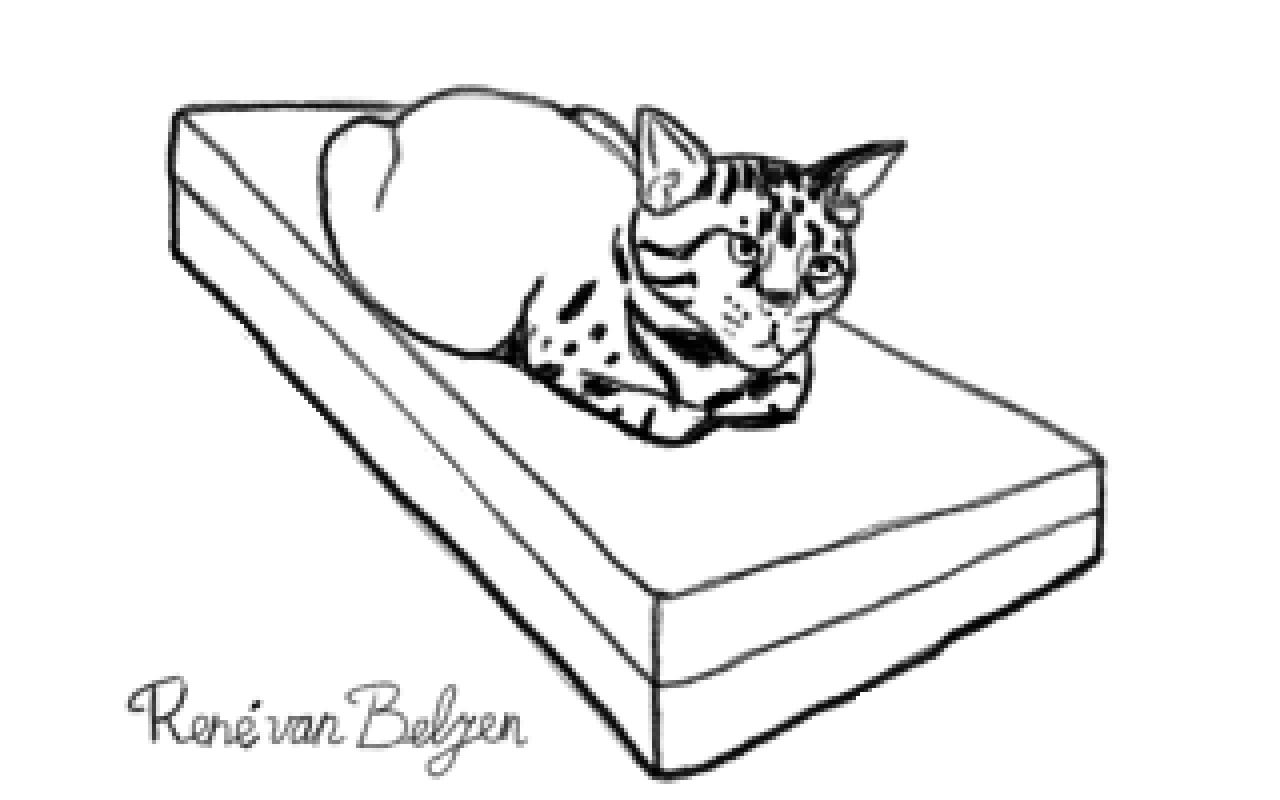
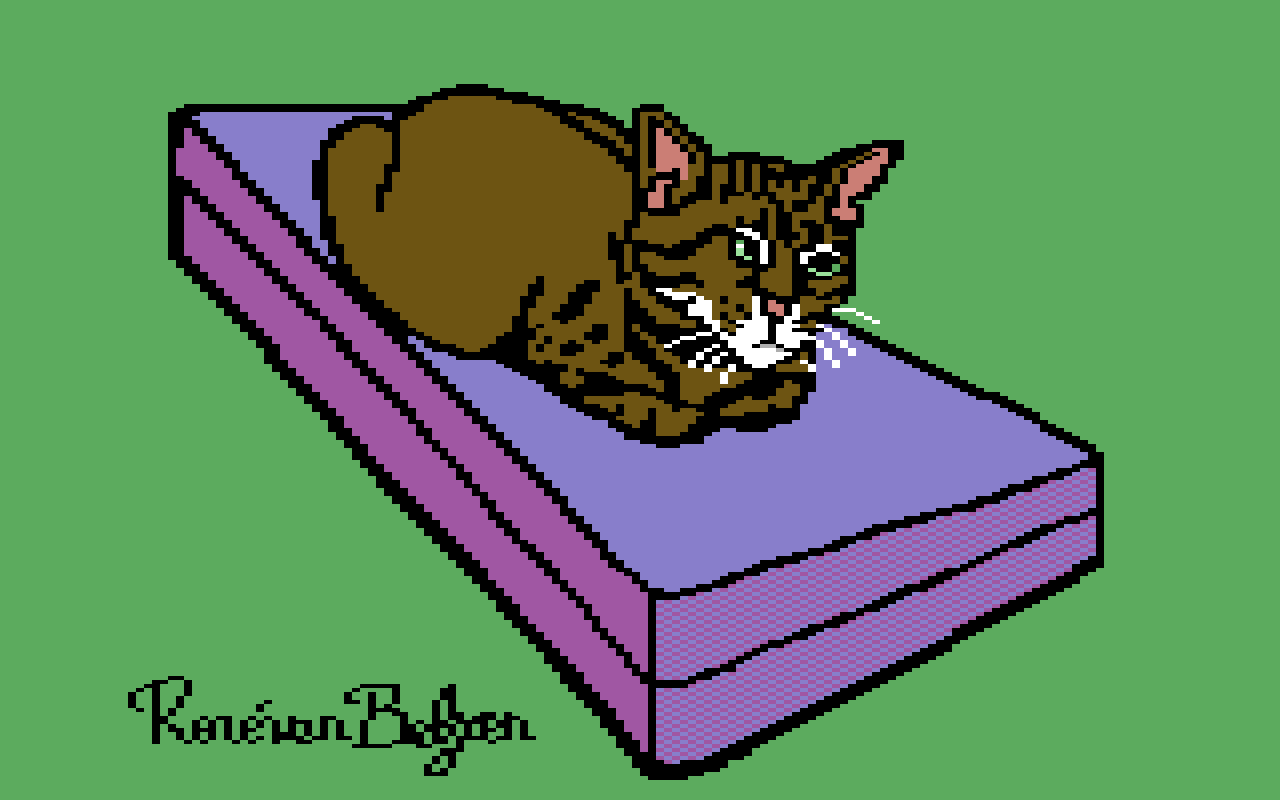
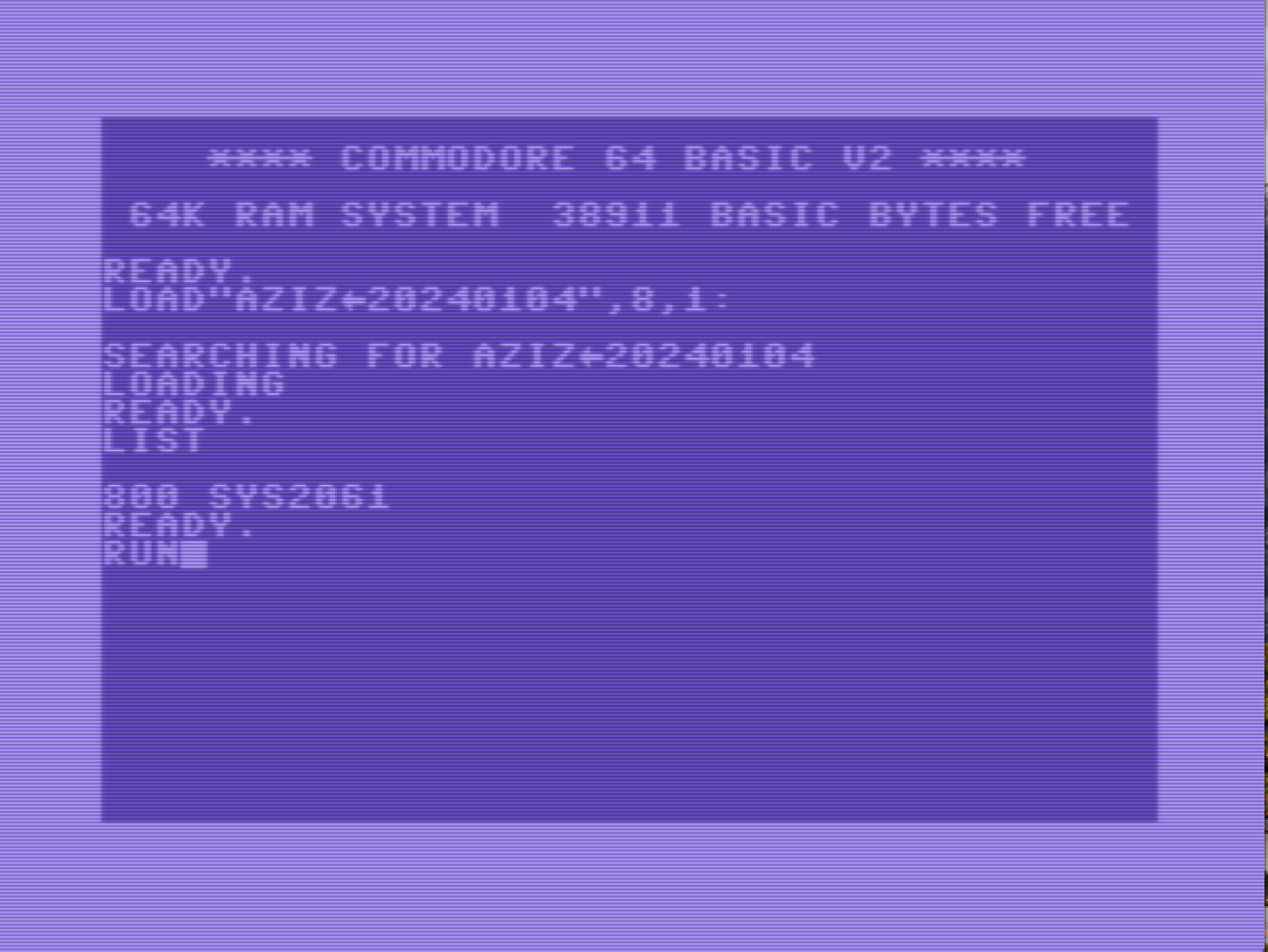
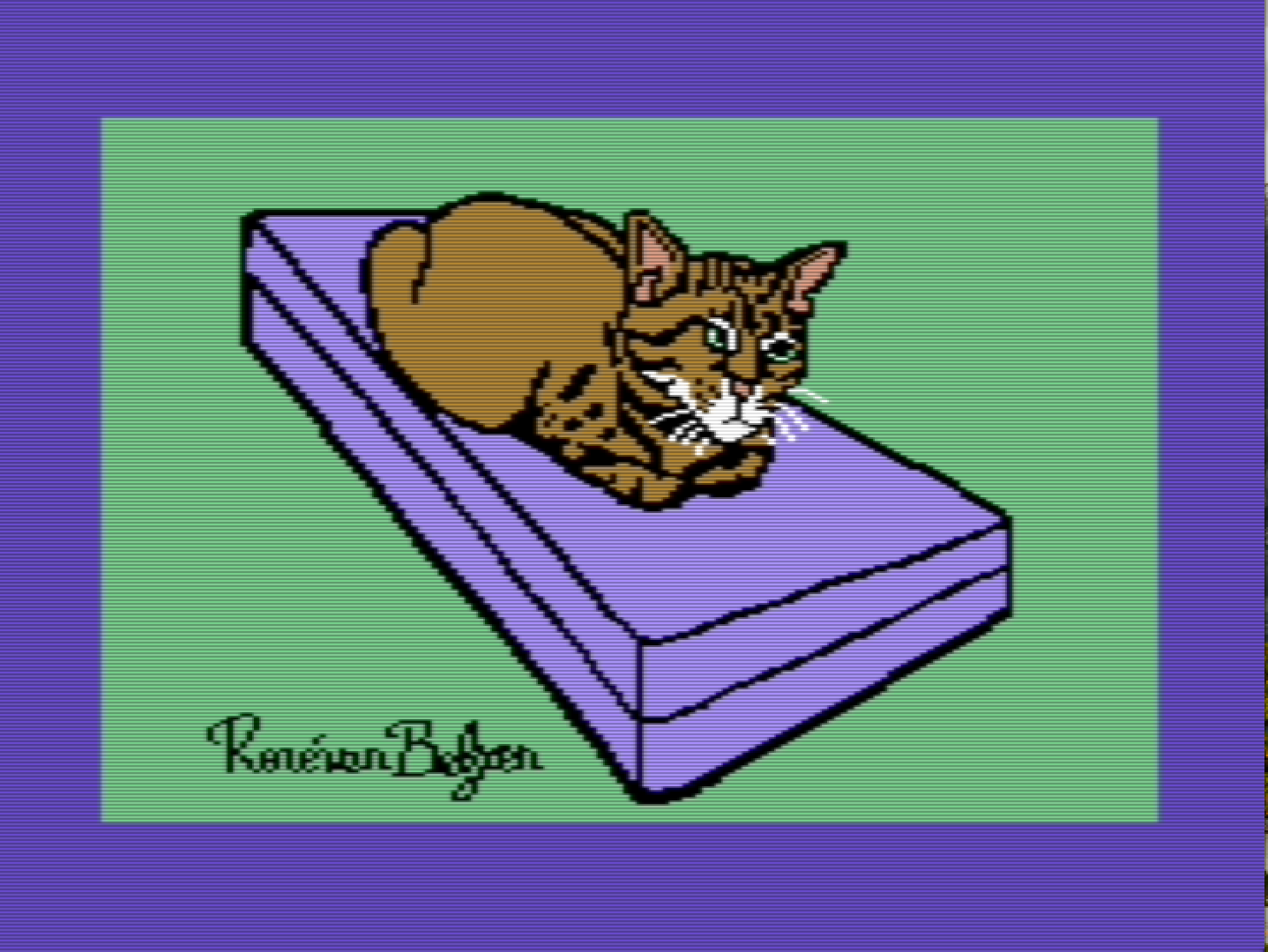
Creating something colorful that can be displayed on a Commodore 64 by loading and running a file involved a lot of (impossible to automate) creative steps. It took me around 4 hours for this simple drawing of my cat Aziz. 👨💻
-
I wondered what “chord progression” was, did a search and found this website by a single person who offers free music theory education. Sweet!

For most of these concepts of music theory I had no idea they were a thing, what they meant, nor how they related to each other.So there’s another side-project before I can actually understand enough to be able to write my own tracker music.
-
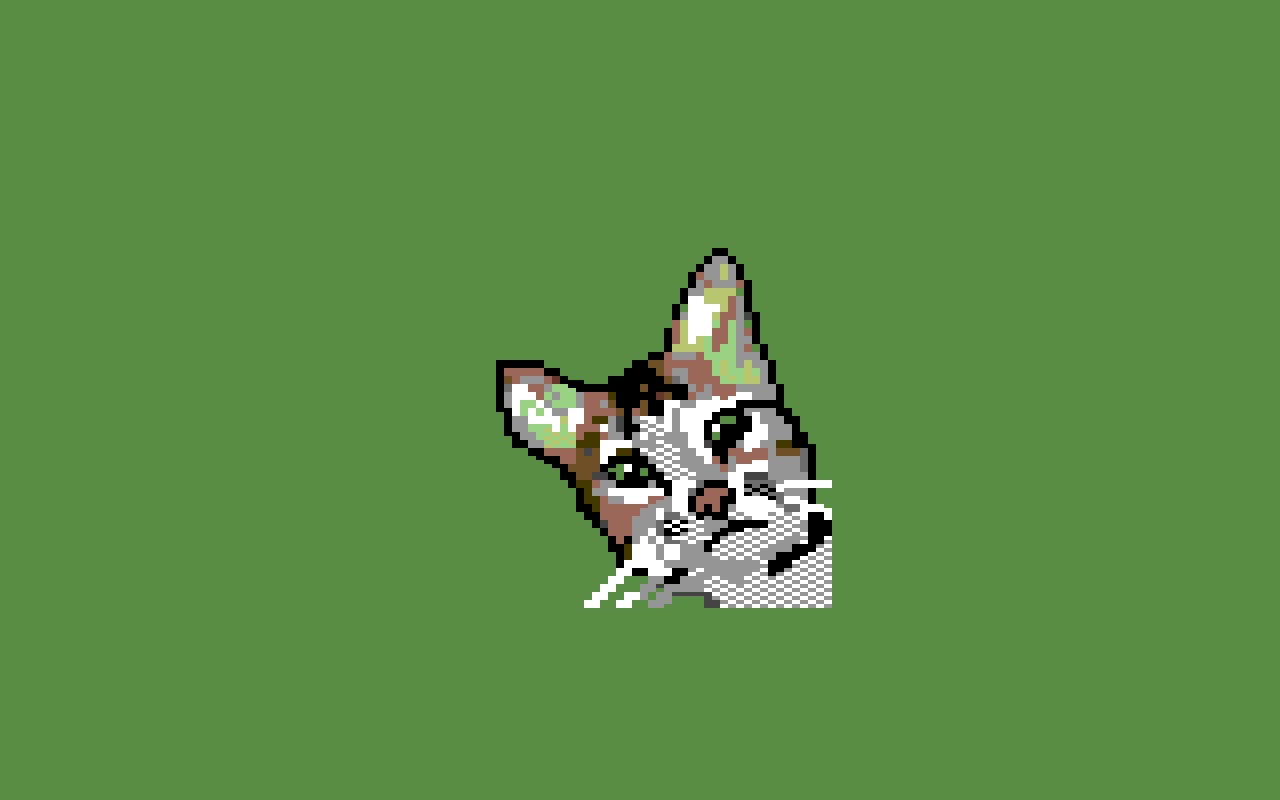
I found an image editor that is able to draw Commodore 64 multicolor images. It can load PNG images, so I could draw on my iPad and color in this Java app on my Raspberry Pi-400. Yay!
I’m still learning, though. Also found a SID tracker to compose music on the C64, and my musical knowledge is meh.
-
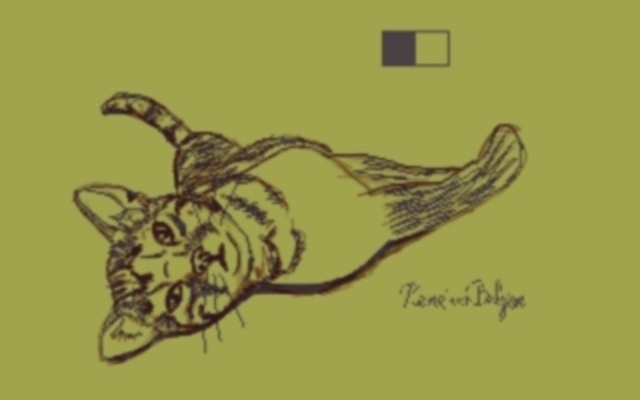
Some kind of drawing, not quite pixel art, not quite traditional art. Yeah, limited time to draw today…
-
Basic music theory—the musical interval
Realizing how little to nothing I know about music theory, I started watching videos on the subject recommended to me by YouTube. Apart from that those videos aren’t really vetted, I don’t know how useful those are, even if they’re accurate. So there’s my caveat to you, the reader.
Today I researched the musical interval, i.e. the ratio in frequency value between musical notes.
In Why Does Music Only Use 12 Different Notes? presenter David Bennett explains how musical notes work in popular and classical music, which most of us listen to on a daily basis.
There are the following 12 notes (semitones) in an octave (using letters, while in some countries other notations are used, like do-re-mi):
- C
- C#
- D
- D#
- E
- F
- F#
- G
- G#
- A
- A#
- B
When a note has a frequency twice as high as another note, the distance (interval) between them is called an octave. Playing two notes an octave apart sounds pleasing (consonant) to our human ears.
Inside an octave there are 12 notes. Playing two of those notes together gives a certain mood (how humans perceive the combination of notes, pleasing or less pleasing). The first of those 12 notes is called the root. Playing the root and the same note an octave higher gives us the most consonant combination of notes.
On a scale from most consonant to most dissonant, there are twelve musical intervals (between brackets is the frequency ratio between both notes in the interval). The intervals numbered 1 - 7 in this list are considered consonant in Western music, 8 and higher dissonant.
- Octave, aka 8ve, (2:1)
- Perfect 5th, aka P5 (3:2)
- Perfect 4th, aka P4 (4:3)
- Major 3rd, aka M3 (5:4)
- minor 6th, aka m6 (8:5)
- minor 3rd, aka m3 (6:5)
- Major 6th, aka M6 (5:3)
- Major 2nd, aka M2 (9:8)
- minor 7th, aka m7 (9:5)
- minor 2nd, aka m2 (16:15)
- Major 7th, aka M7 (15:8)
- Tritone (7:5)
Below that, sounding even less pleasant, there are quarter-tones, and even further divided intervals, that sound even more unpleasant.
Ordered on frequency (how they appear on a piano keyboard, using both white and black keys):
[root] [m2] [M2] [m3] [M3] [P4] [Tritone] [P5] [m6] [M6] [m7] [M7] [8ve]With 12 notes in an octave we have a limited set of frequencies. It is a practical compromise, really, limited to only the most useful musical intervals, excluding others. However, this compromise is still not enough. With the ratios mentioned above, we can only play in a fixed key (root note). If we want to transpose a piece of music to a different key with the ratios kept intact, the musical intervals sound all weird. This is because this theoretical just intonation doesn’t allow for transposition. To fix it, so we can play in any key we want, the intervals must be changed. This slight alterations in musical intervals is called temperament (tempering the intervals so music can be played in arbitrary keys, not just one single key).
There have been several temperaments over the millenia and ages. The system we use today is called 12 Tone Equal Temperament. Each semitone is a factor of the 12th root of two higher than the previous semitone.
Here are the tempered values of the intervals. They are very close to their just intonation, between brackets:
- m2 1.0595 (1.0667)
- M2 1.1225 (1.1250)
- m3 1.2892 (1.2000)
- M3 1.2599 (1.2500)
- P4 1.3348 (1.3333)
- Tritone 1.4142 (1.4000)
- P5 1.4983 (1.5000)
- m6 1.5874 (1.6000)
- M6 1.6818 (1.6667)
- m7 1.7818 (1,8000)
- M7 1.8877 (1.8750)
- 8ve 2.0000 (2.0000)
Except for the octave, these intervals are slightly out of tune compared to the ideal, but not enough to be noticeable, especially the perfect 4th and 5th are extremely close in value to a just intonation. Using this temperament musicians can play in any key without the music sounding strange. Anyway, the music most of us listen to (Western music) has been already in 12 tone equal temperament for hundreds of years. Most of us (including myself) probably don’t know any better.
It’s a small, yet important part of music theory.
-
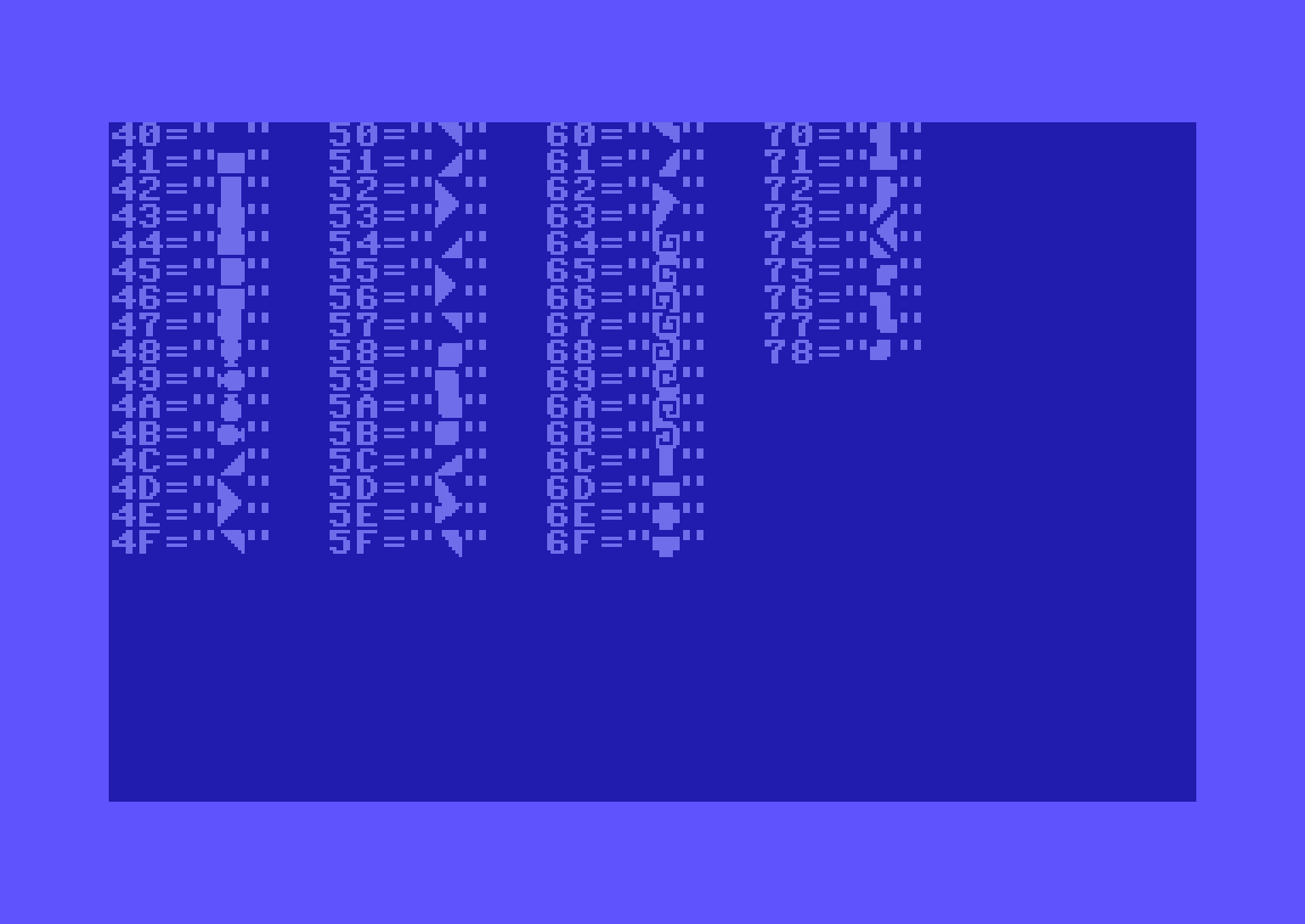
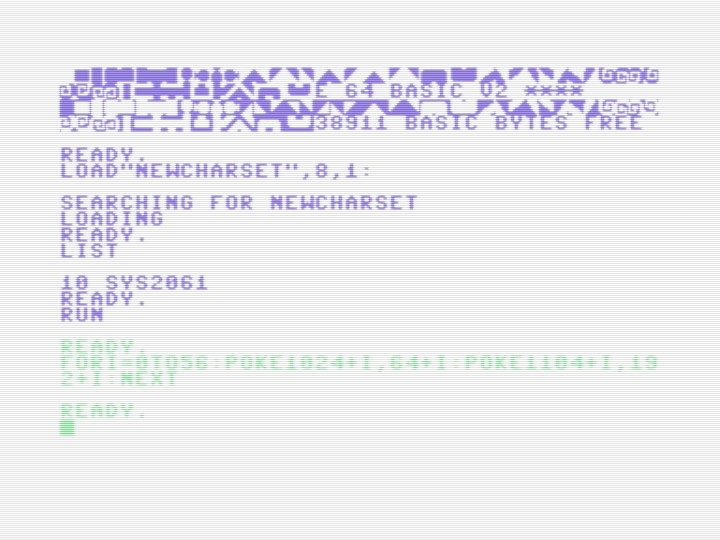
I realized I needed four extra characters to be able to create lines that are 4 pixels wide. In the 6-pixel wide versions I already had them ($59 - $5B), rounding corners. So I added them to my existing modified character set, at $75 - $78.
Tools: PETSCII editor, VICE.
👨💻 day 2/366 days of coding