-
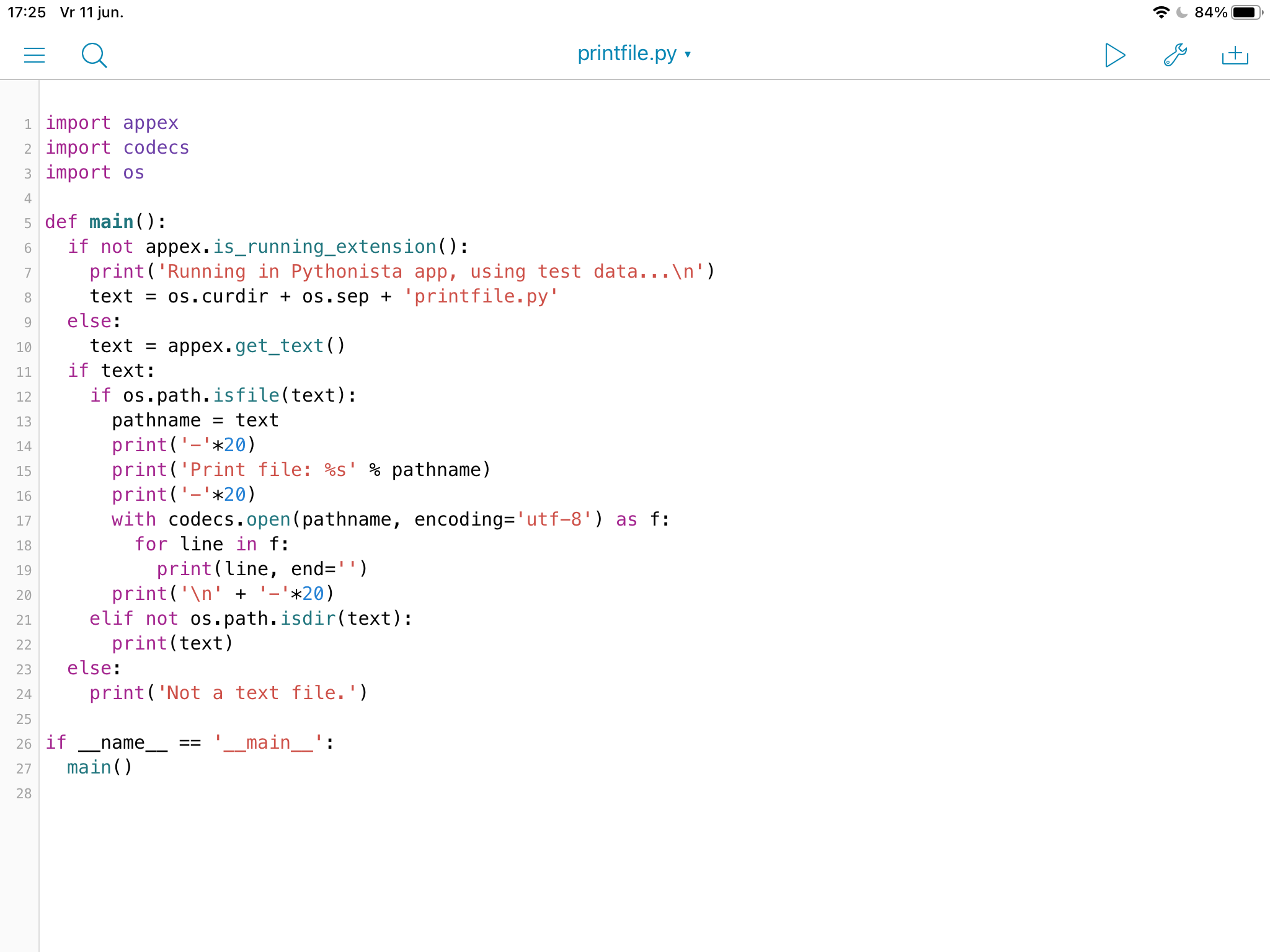
Writing a print file extension in Pythonista 3 seemed so easy… I had to learn a few new things, so, in the end, it’s all good. 👨💻
-
I made a very basic and working 1-pass cross-assembler in Pythonista. It was more of a proof of concept, to help me understand the book I’m reading (Assemblers and Loaders) 👨💻
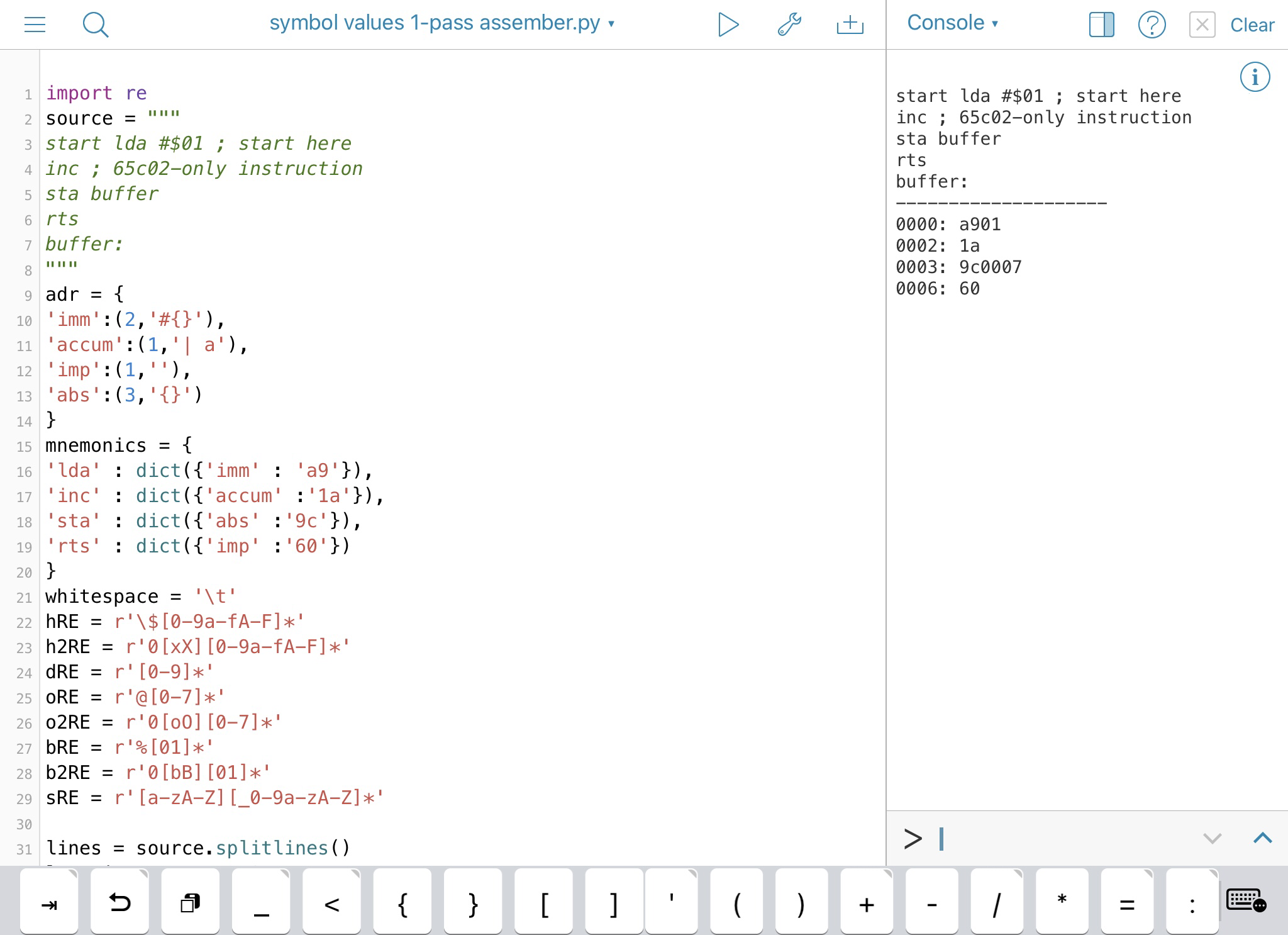
PS Notice it’s still big-endian, while it should be little-endian. 😬
-
Currently reading: Assemblers and Loaders (Ellis Horwood Series in Computers & Their Applications) by David Salomon 📚 👨💻
-
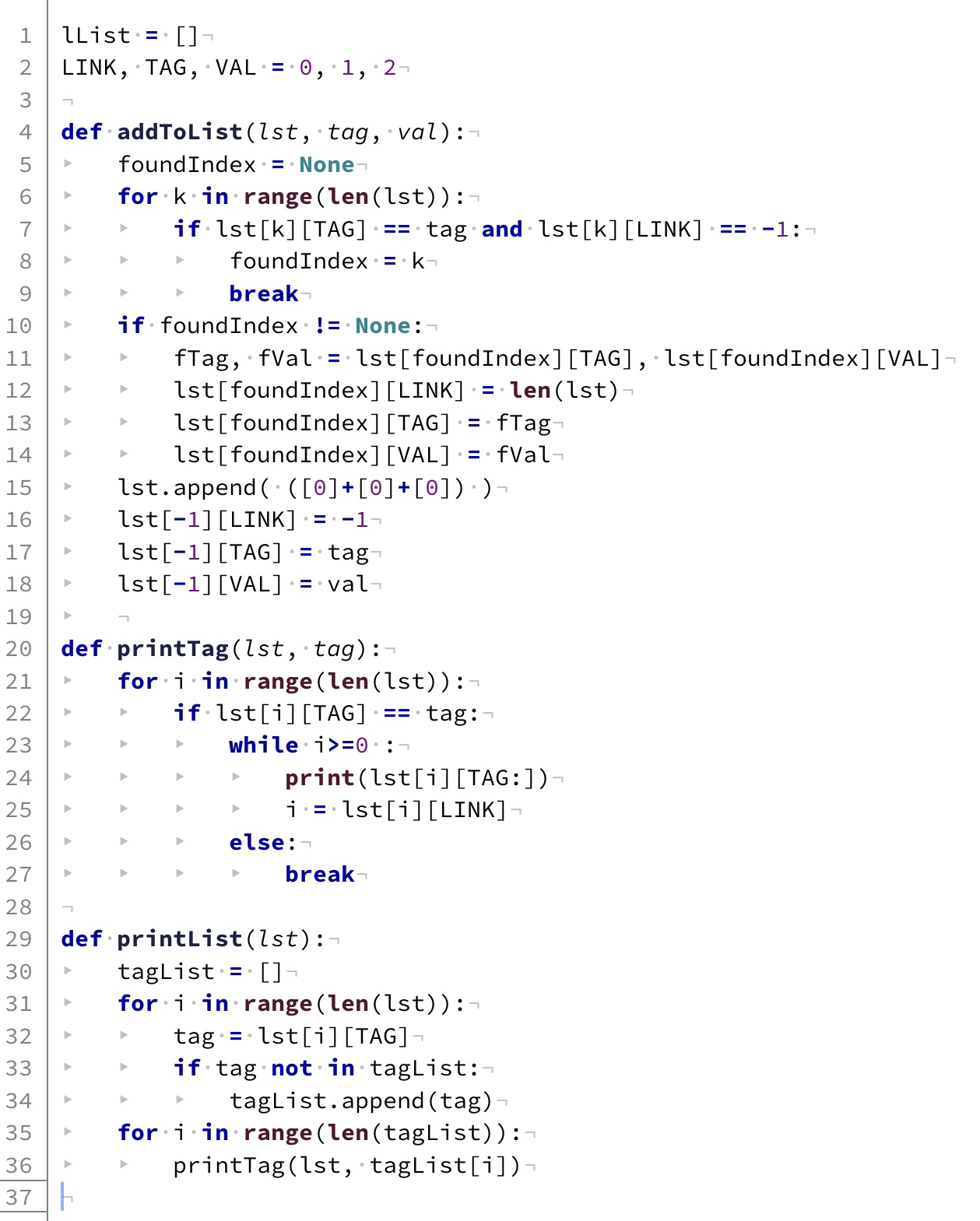
I wondered about how to build (in Python) a linked list of tagged items, and how to print its tagged items. Each item has three containers: a link to the next same-tagged item (-1 if it’s the last item with that tag), a tag and a value. Here’s my solution. 👨💻
-
Learning about iOS’s sandbox limitations. Pythonista has full access to its own private folders (on device and/or iCloud). You can edit external files, even run Python scripts, but iOS gives scripts no access to files outside mentioned private folders, unless files are shared to it. 👨💻
-
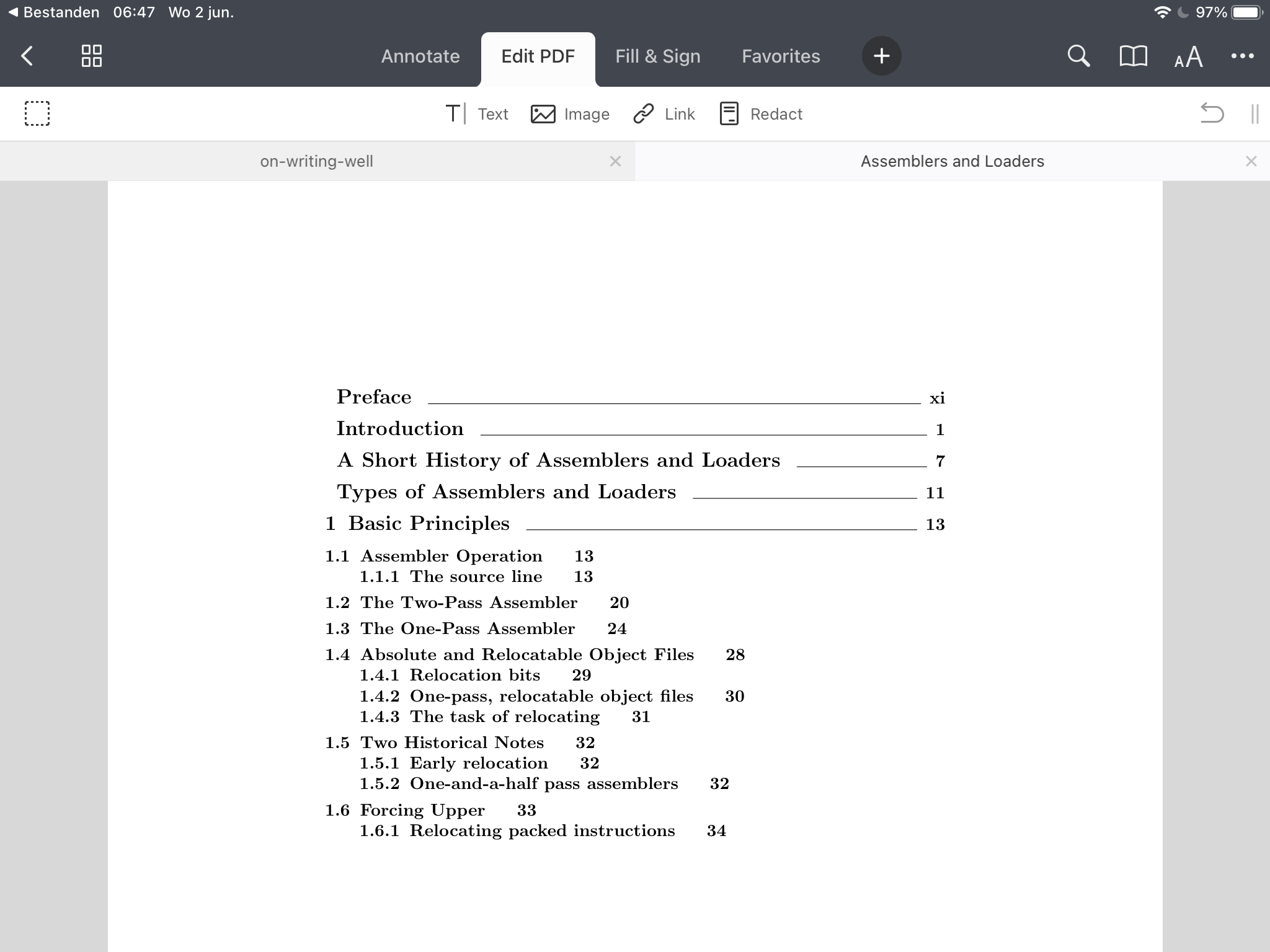
I guess I need superior knowledge, not reinvent the wheel. For creating a proper assembler, I need to know how others build those, and better non-fiction writing is a good thing too, since I’ll be communicating to others (including my future self) via code and comments. 👨💻
-
I find it empowering that one can build somehing useful inside a computer. What I do, I don’t think qualifies as programming, but is more like scripting, using macros, which is useful in its own way, though not as generic as an app on a phone or on the web. Doesn’t need to be. 👨💻
-
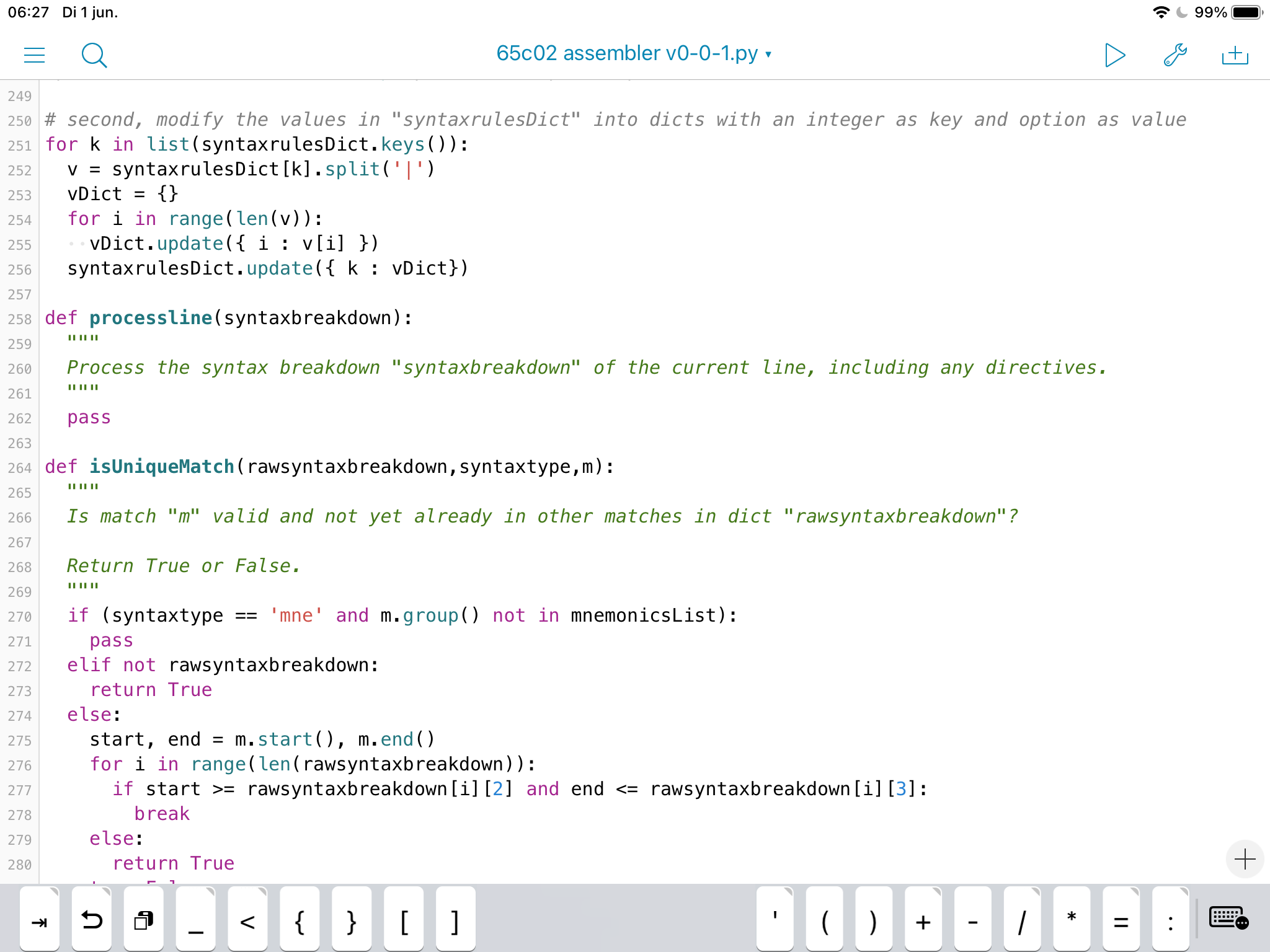
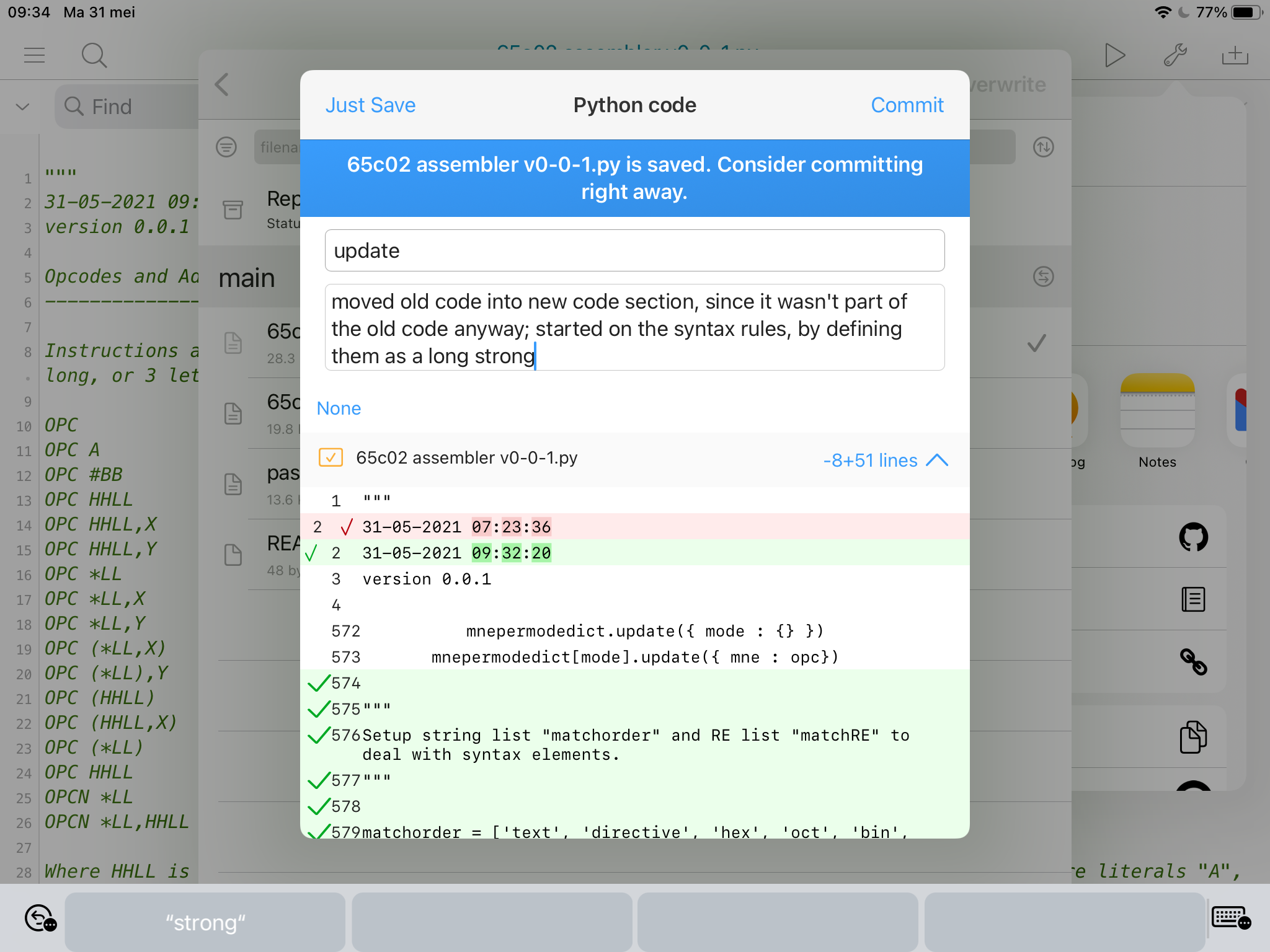
Continuing my 65c02 assembler project in Python 3, with defining “the rules.” Without rules, there’s unruliness, right? 😉 The script still runs. If it wouldn’t have, I could’ve rolled back using the Working Copy app. PS, notice the typo! 👨💻
-
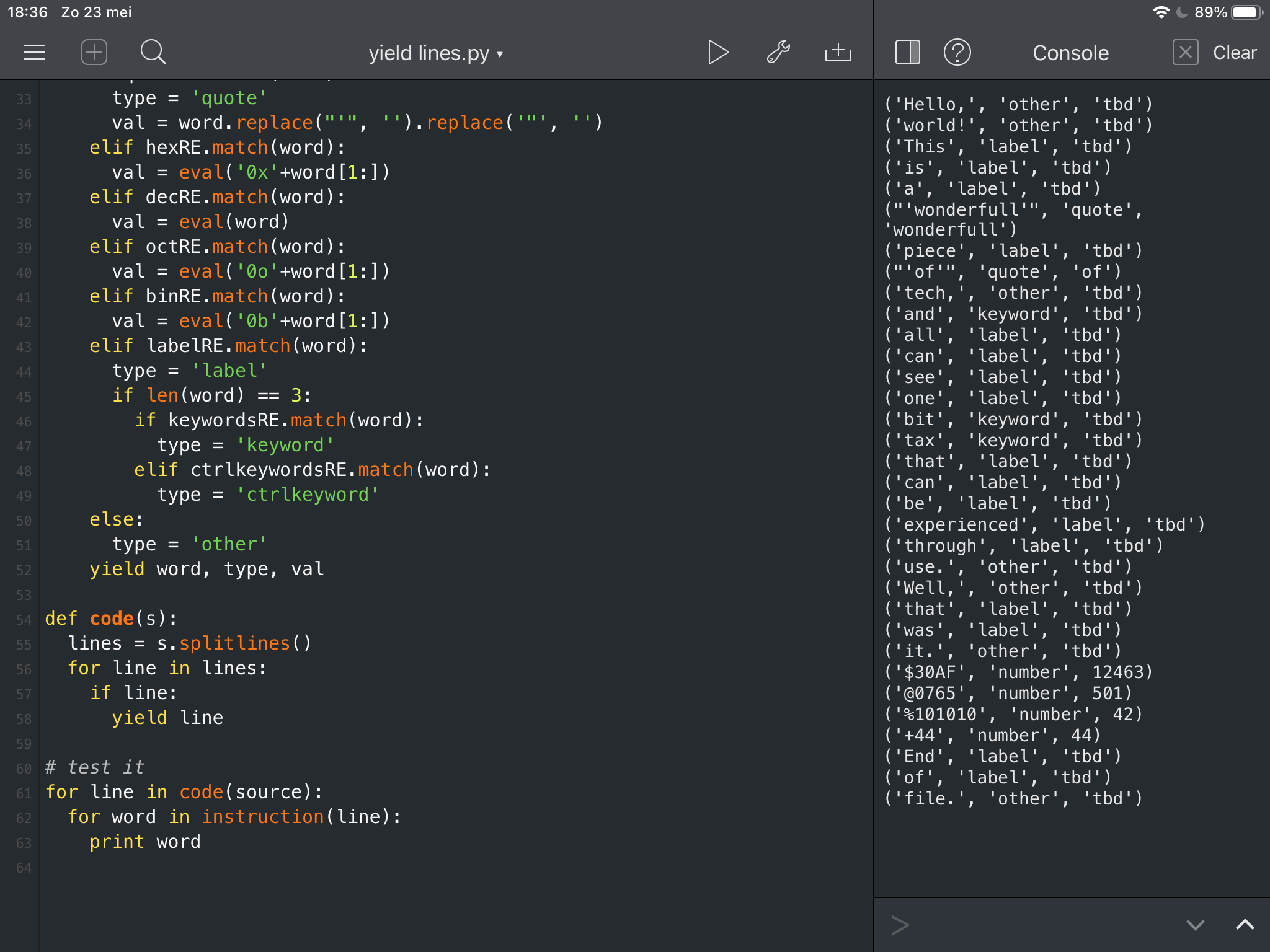
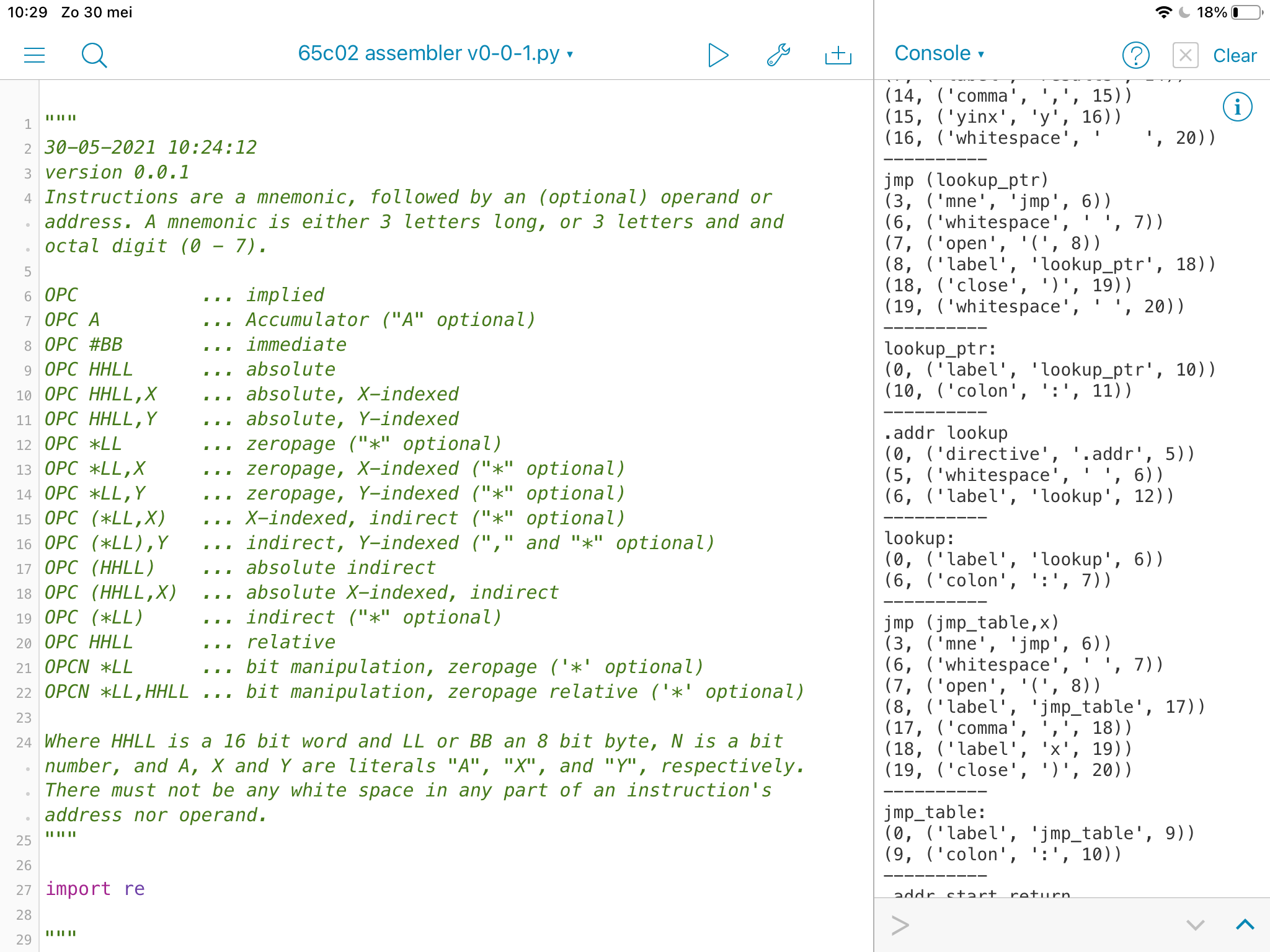
Now I’m (seemingly) successfully able to filter syntax elements into their own tagged bins, now the question arises how to turn that into object code (byte values)? So I still call it version 0.0.1, very premature, possibly, yet again, stillborn. I hope not the latter, though. 👨💻
-
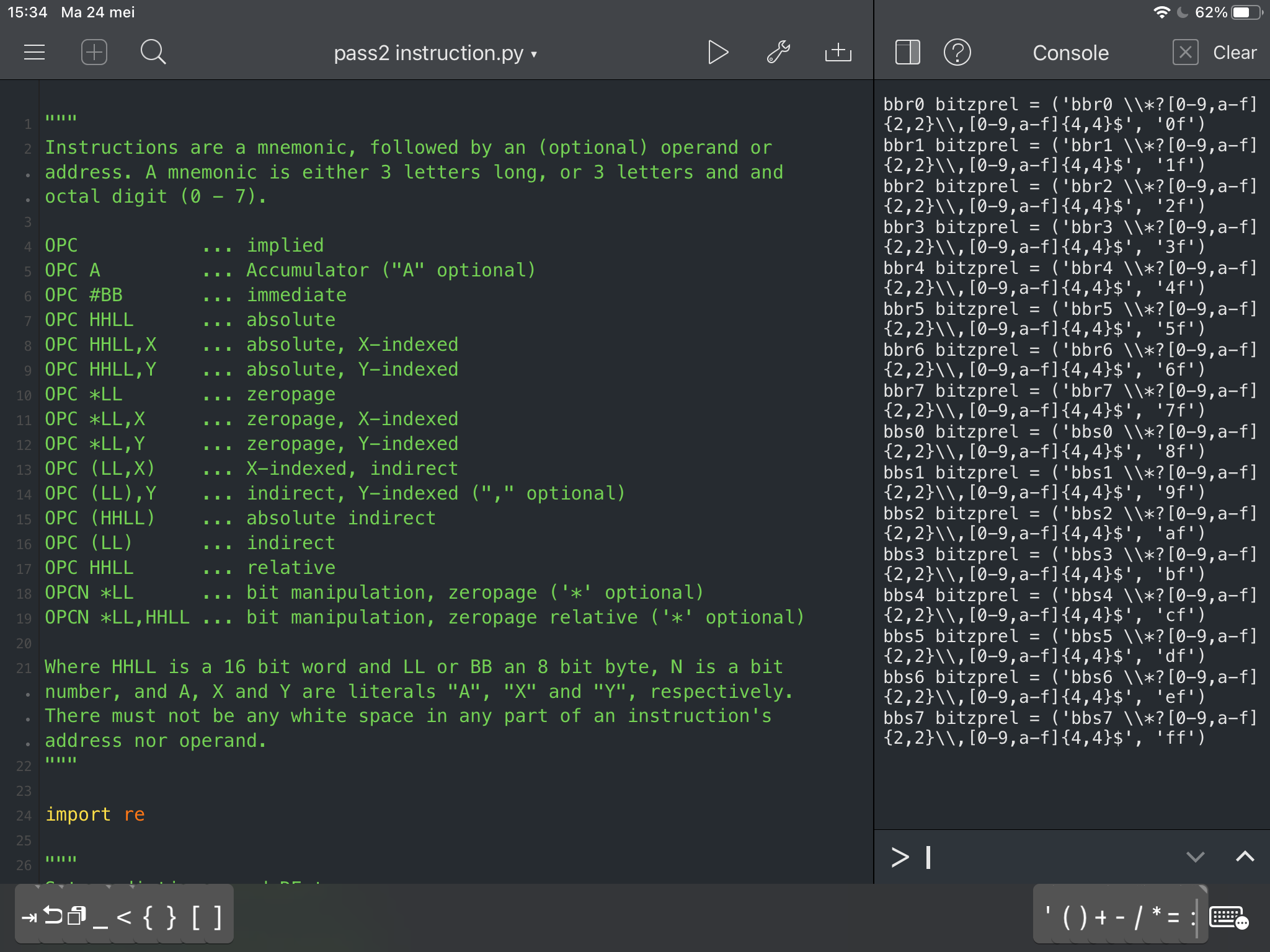
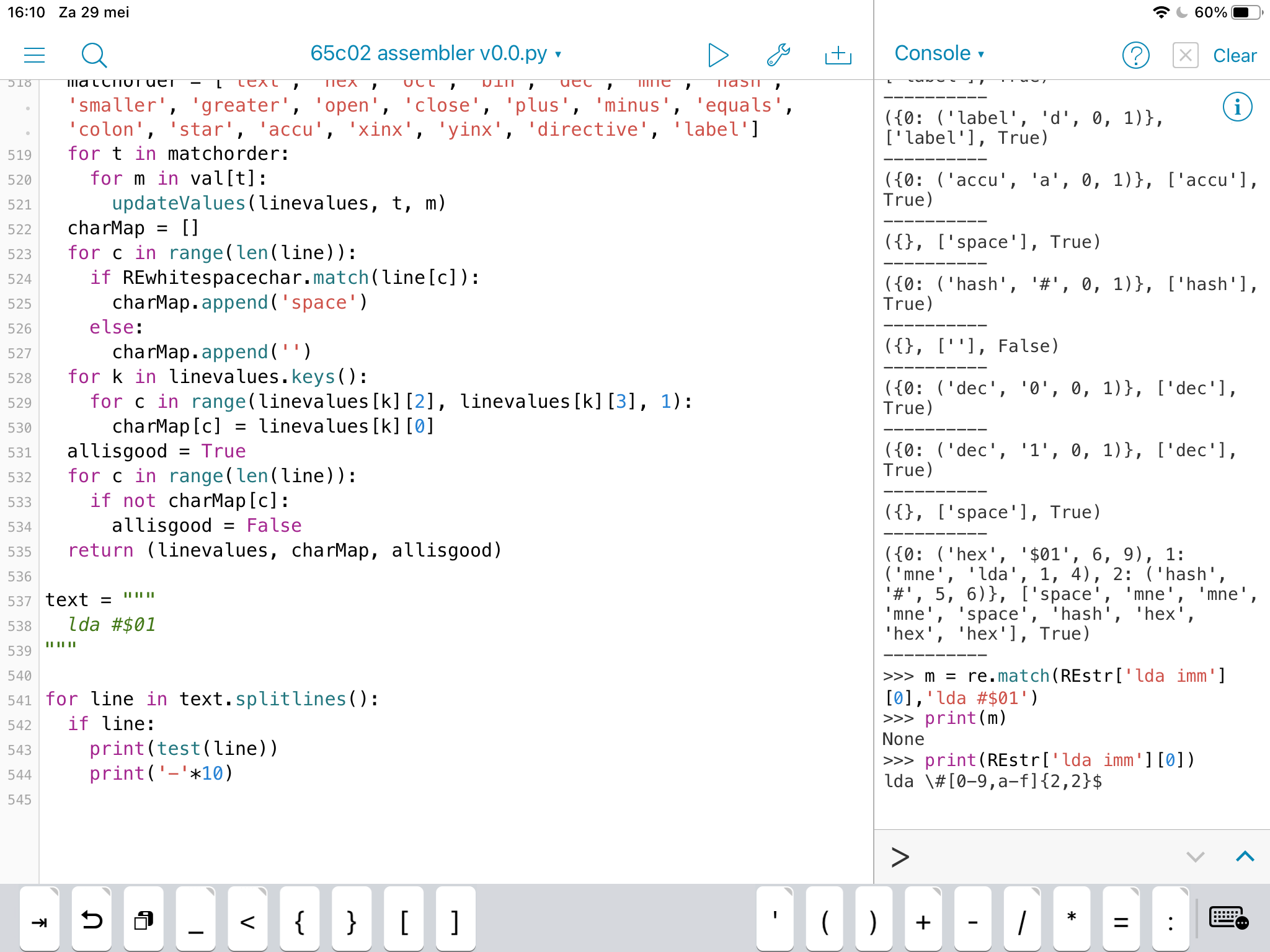
I have no idea what the best method is to approach an assembler, specifically for the 65c02 CPU. So I scrapped my previous approach and started anew. I also bought the newest version of Pythonista, because the old version crashed too often (new version seems rock-solid). 👨💻
-
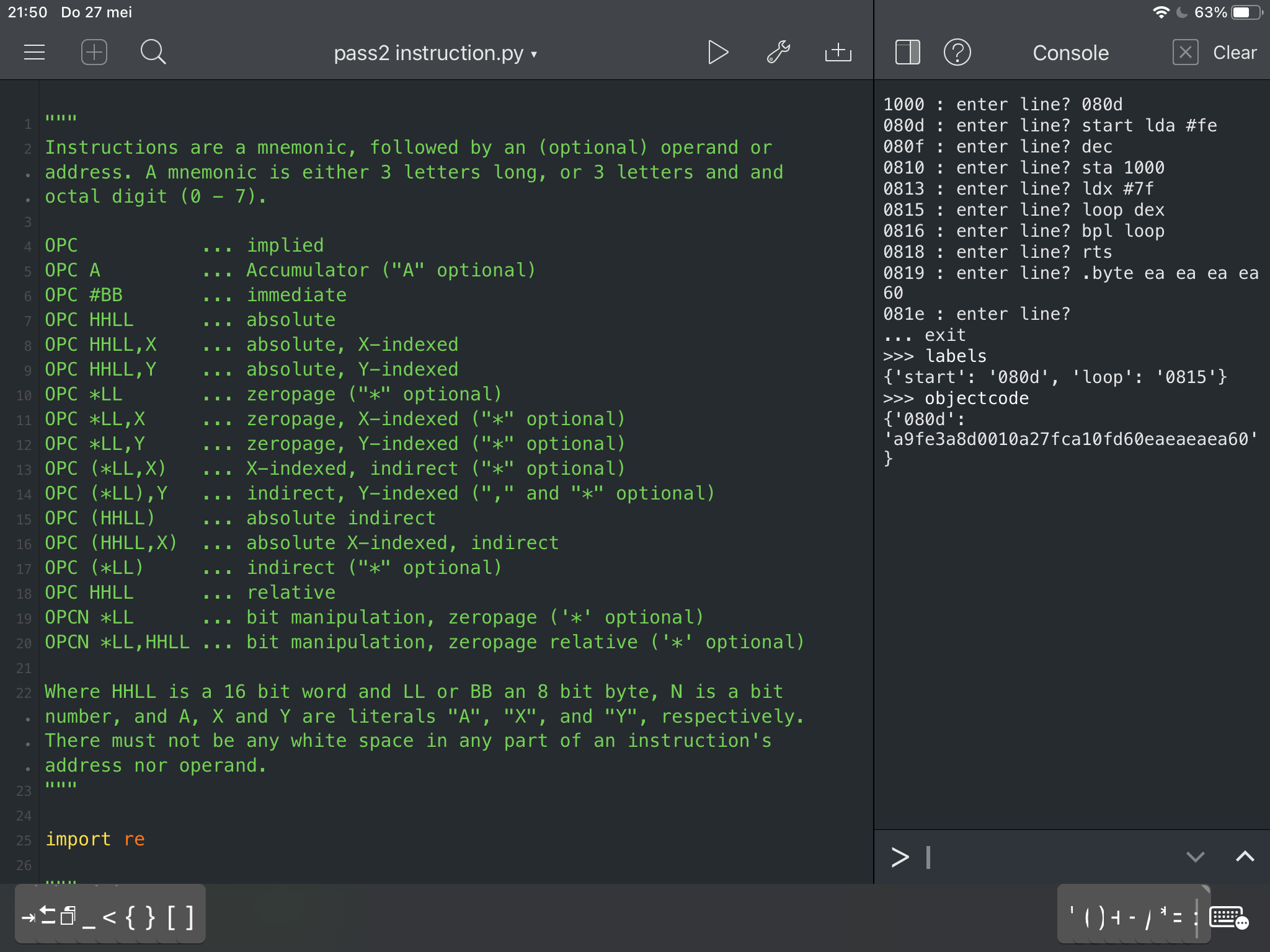
So, version 0.1 of my Python 🐍 65c02 assembler is ✅ I’m sure there are still bugs, but it works. I enter in assembly code and the program stores it in a dictionary object, which could be saved into a file on disk. Not sure when I come to that. First priority is testing the code. 👨💻
-
😃I’m getting closer with my 65c02 assembler in Python. I ripped out the mnemonics processing, which worked perfectly, but was messy code, and got the other stuff to work, like labels, addressing input, program counter manipulation, etc. I also started using the Working Copy app. 👨💻
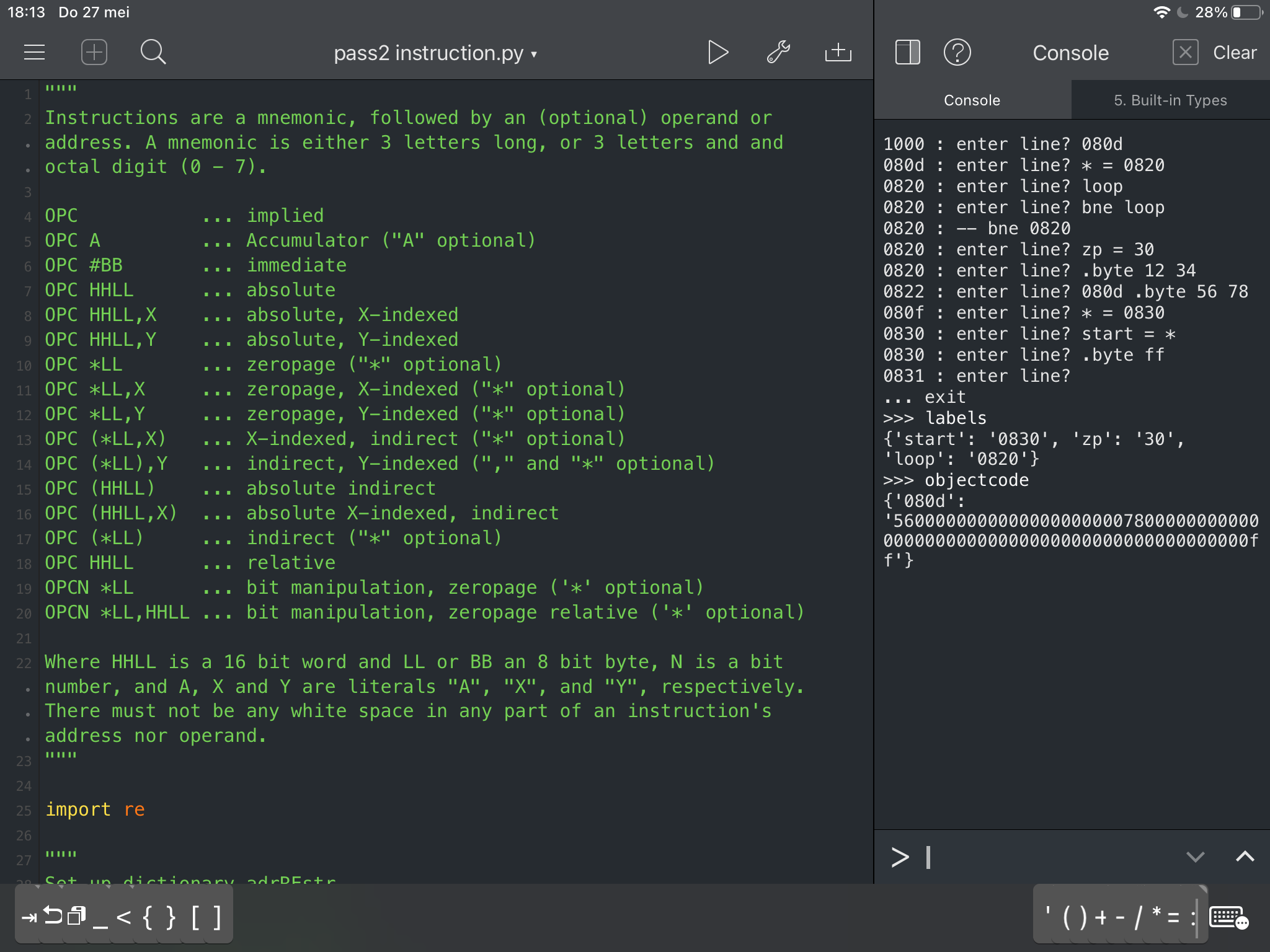
-
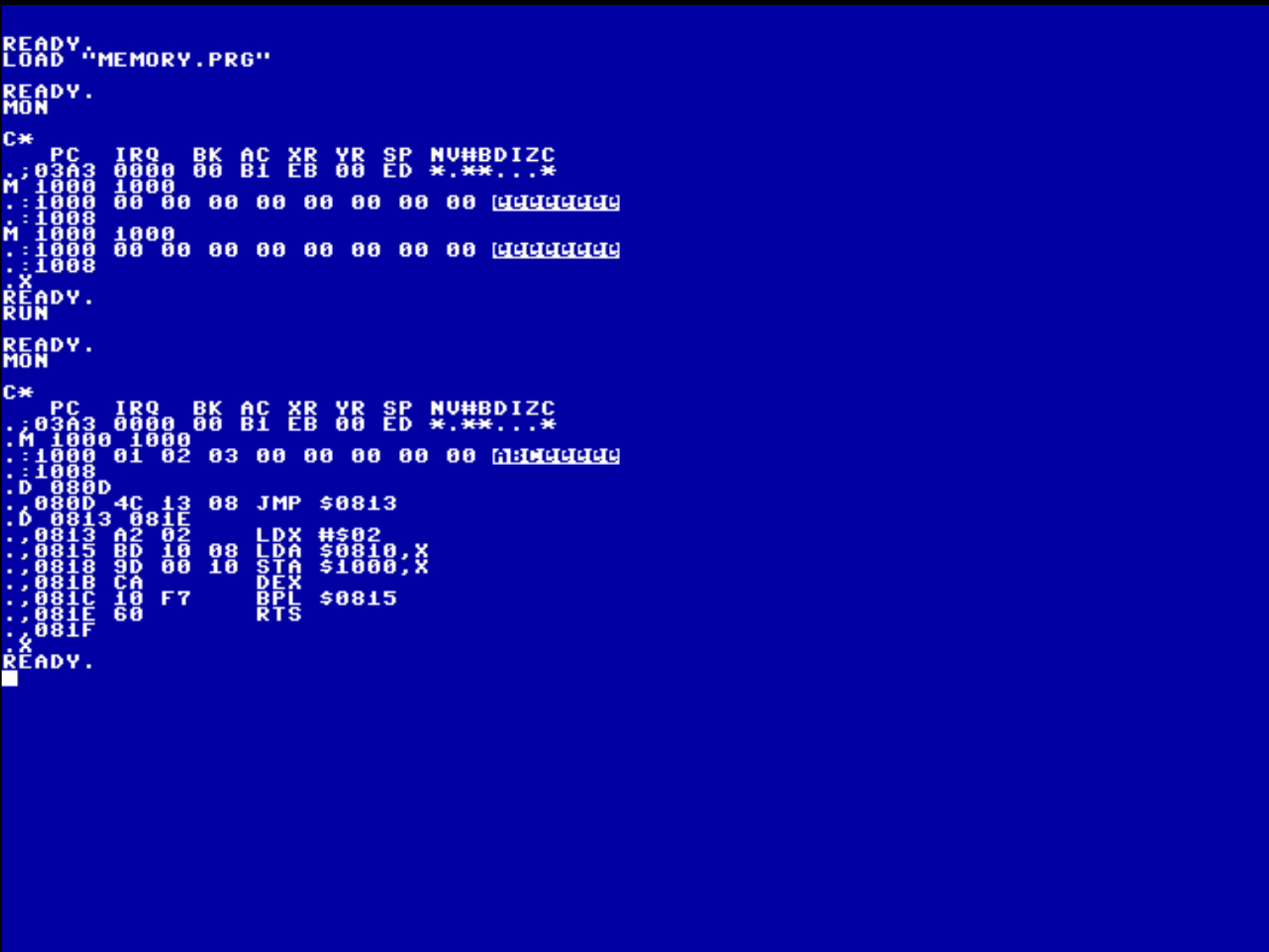
Okay, it’s still very clunky, but I can (sorta) write in assembler, type the hexcode in HexIt and save the file to my local Commander X16 folder, and it runs! I couldn’t do this before, unless I coded the hexcode by hand, which was rather error-prone. So, yay? 😁 👨💻
-
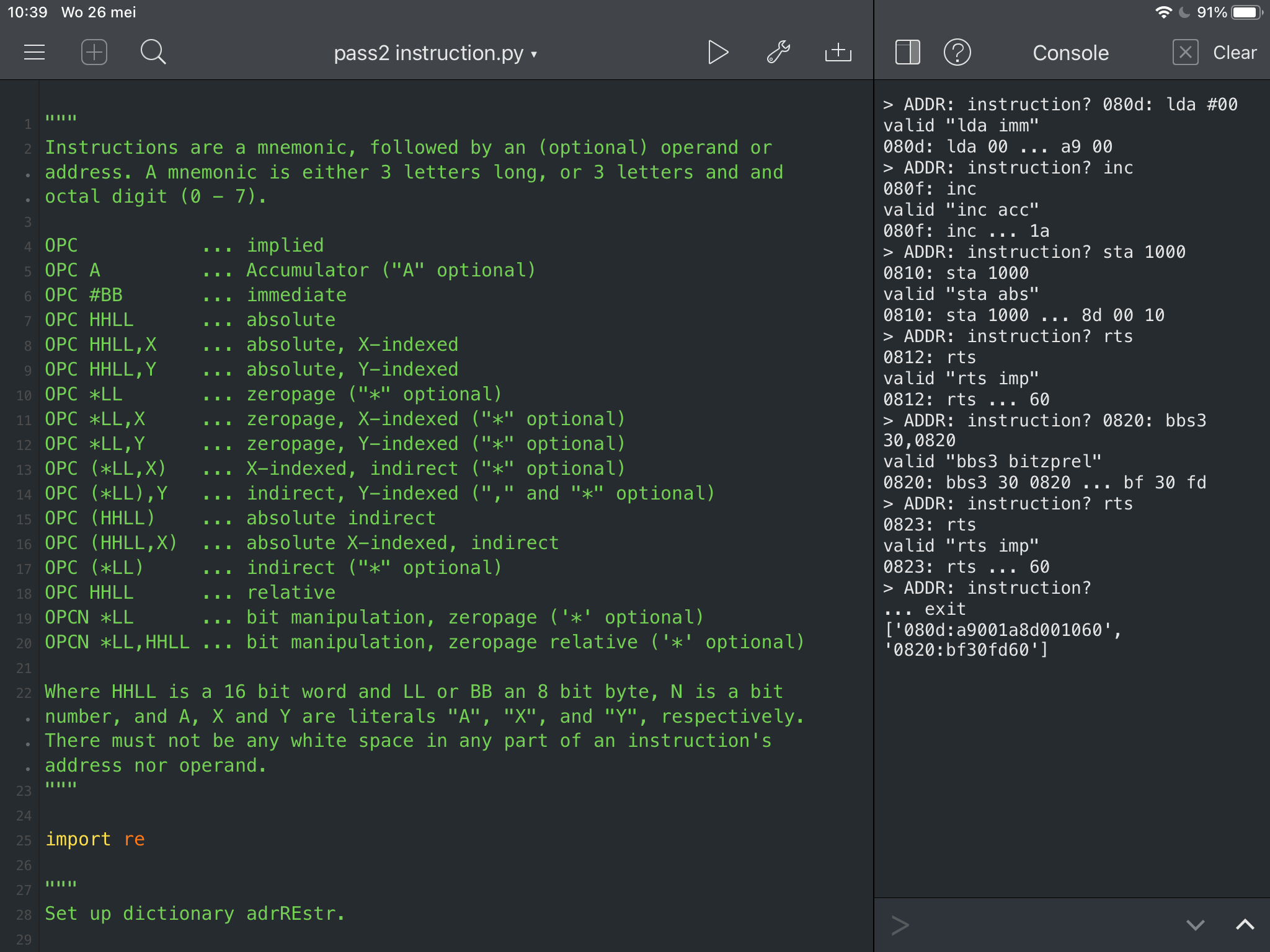
While awaiting the glaziers for replacing some windows, I’ve made progress with my 65c02 Python assembler project. It now creates a list of strings, each with a program counter, a colon, and a series of opcode and operand bytes, all in hex characters and in the proper order 😃 👨💻
-
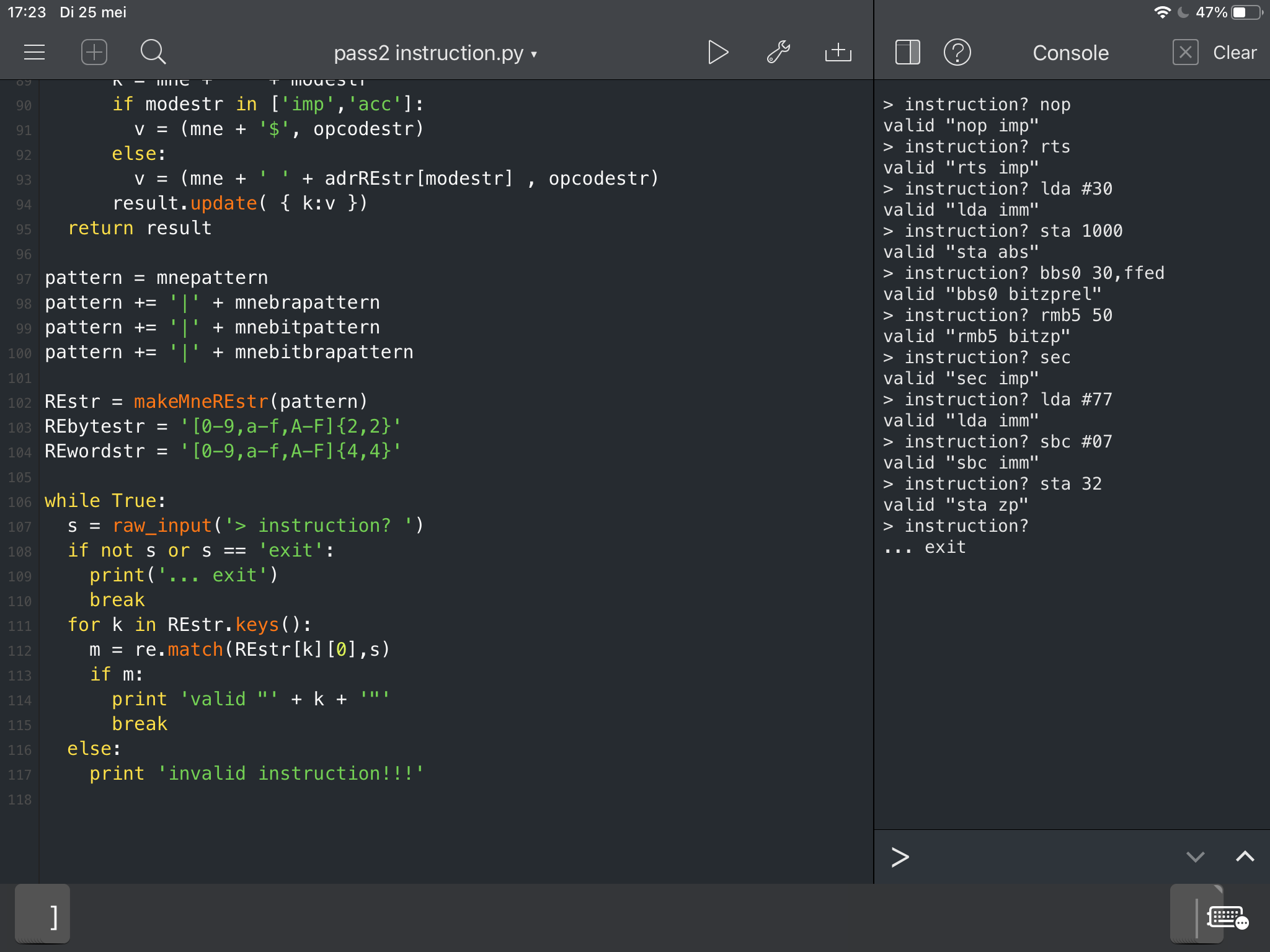
I had some great progress on my Python 65c02 assembler project. I have all opcodes tested and can check if an instruction is valid. For instance,
lda 30,yis not a valid instruction, whilelda 30,xis valid. Now it’s up to me to test some instructions. 👨💻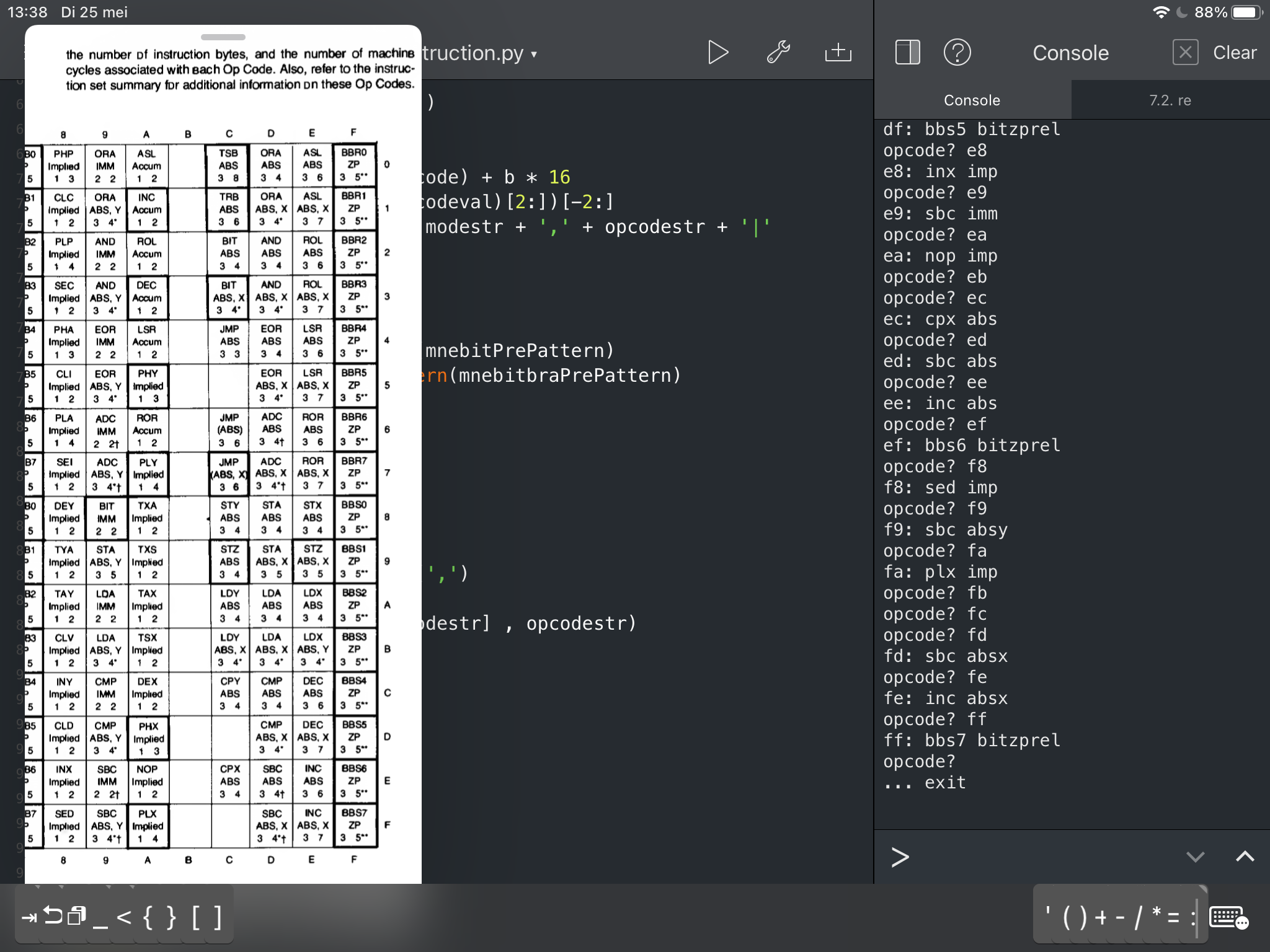
-
In other news, Textastic, a great code editor on iOS, stopped working when I updated my iPad to 14.5.1 from pre-14.5. It had worked for 5 years after the last update, and it was great. So I did a paid upgrade of Textastic to the latest version. There’s code hacking ahead! 👨💻
-
🤩 this website made me reconsider how to construct my 65c02 cross assembler. I guess I need to whip up a spec sheet before I start coding in Python. All the work is not for naught, since I learned some regular expressions. 👨💻